
No products in the cart.
Real-Time GPS Tracking Chelmsford: Cars, Vans and Fleets
Real-Time GPS Tracking Chelmsford: Cars, Vans and Fleets
Real-time GPS tracking can help vehicle owners and businesses in Chelmsford view location information through a supported app or portal. It does not mean uninterrupted reporting in every place, and a location display alone does not establish that a system meets an insurance requirement.
Before arranging fitting, decide whether you need owner visibility, fleet reporting or monitored stolen-vehicle support. This guide explains seven real-time GPS tracking checks for cars, vans and small fleets, including reporting, coverage, installation and responsible access to location data.
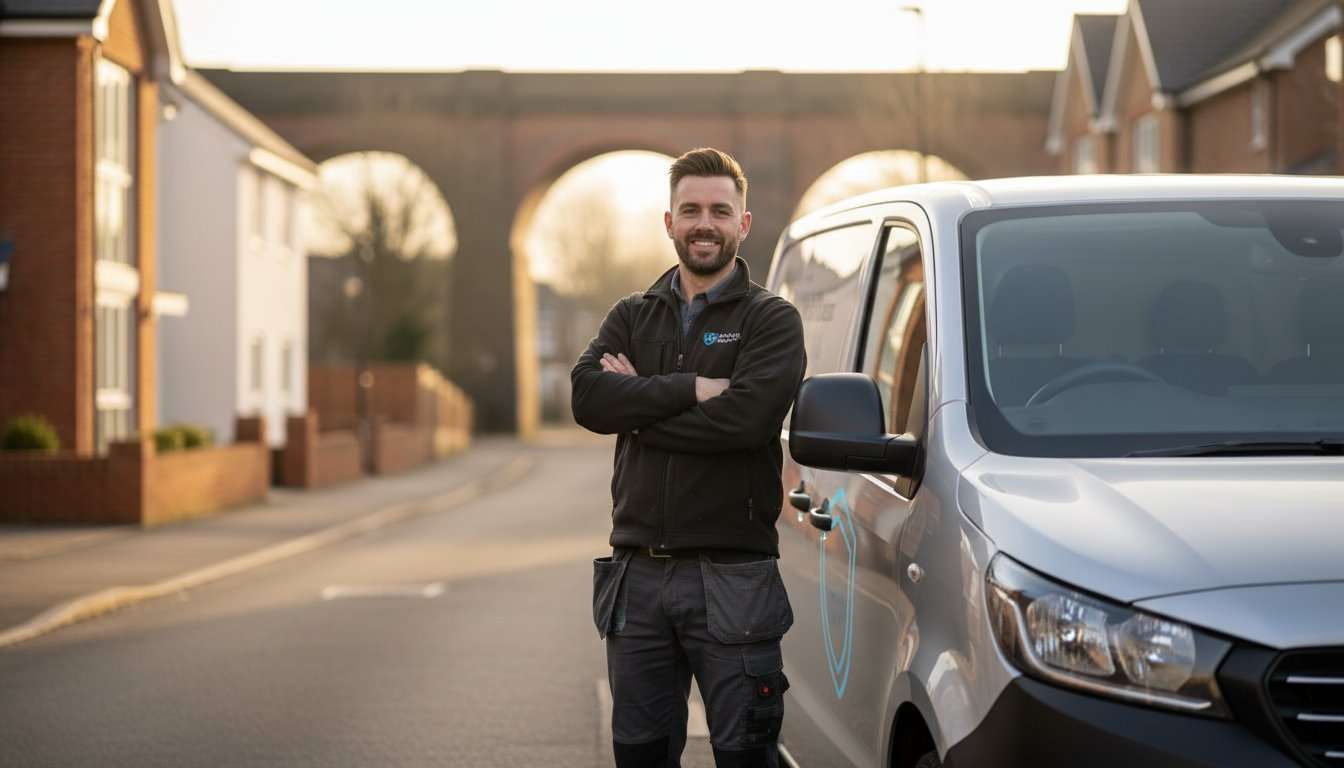
1. Define the purpose of real-time GPS tracking
Write down the practical question you need the system to answer. A private owner may want to check a parked car. A business might need to find the appropriate vehicle for the next job. An insurer may require a particular certified security product and active monitoring.
These uses should not be treated as identical. A fleet portal with journey reports may not provide the stolen-vehicle service you need, while an insurance-focused tracker may not include all the business reports you expect.
Review Safe & Sound Mobile’s car tracker range and the verified fleet tracking options against that brief. Ask which actual functions are included on the proposed product.
For a Chelmsford fitting enquiry, provide the vehicle details, postcode and intended use. Do not choose real-time GPS tracking solely from an app screenshot or a promise of complete visibility. Request a demonstration of the information you will really receive.
2. Understand how real-time GPS tracking reports information
Positioning and communication are separate processes. A satellite-based receiver estimates location, while the device’s supported communication service sends information to the platform. The timing and detail depend on the product and configuration.
Ask how often updates are sent while moving and parked. Find out whether reporting changes after an event and what happens when connectivity is unavailable. A product described as live may still use defined reporting intervals rather than continuous second-by-second transmission.
Check how the app shows the timestamp and status of each position. A map marker might represent the last reported location. Users need to understand that distinction before interpreting a stopped or delayed marker as a current event.
Real-time GPS tracking is most useful when its limits are clear. Ask whether information is stored during an interruption and what becomes available when communication resumes. Do not assume every device has the same offline behaviour.
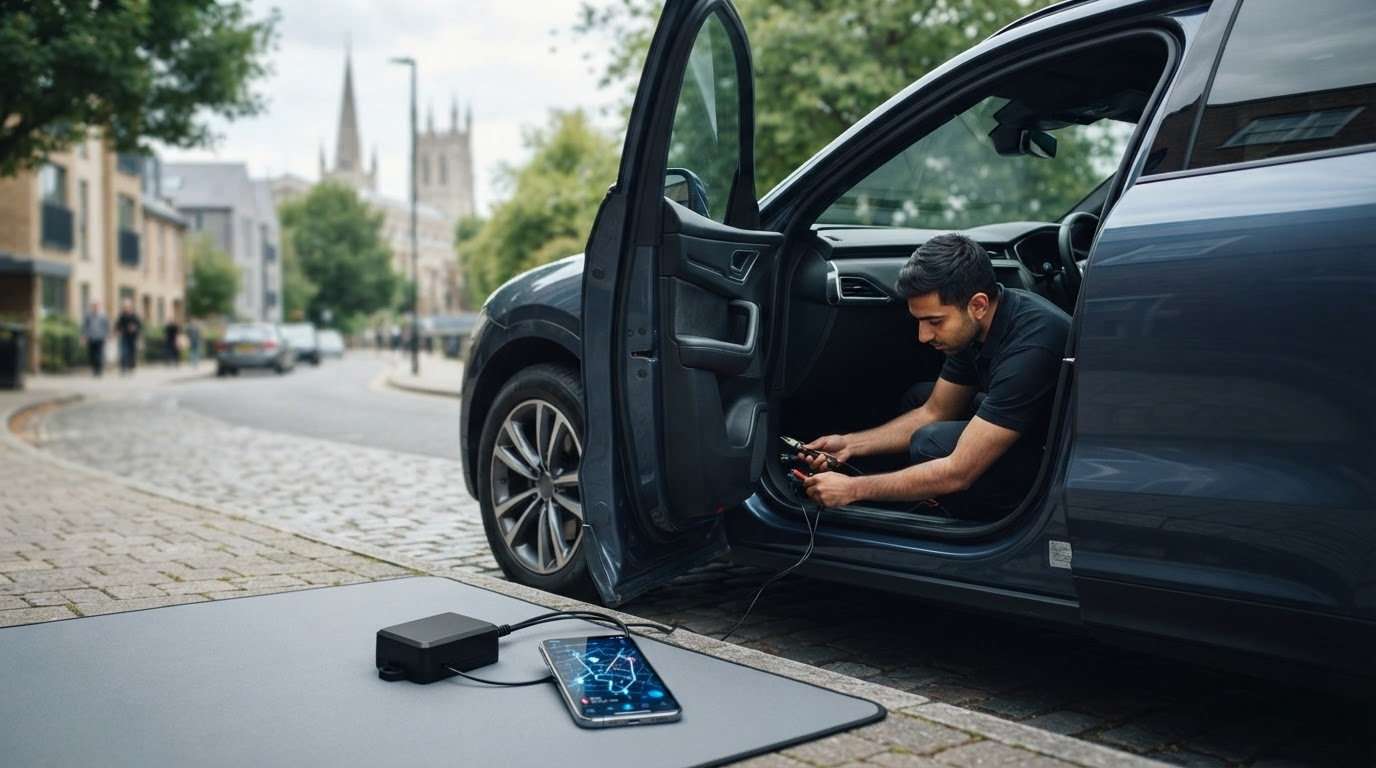
3. Check coverage and vehicle compatibility
Buildings, underground parking and communication coverage can affect location reporting. No fitting location or product label removes every limitation. Explain where the vehicle is normally used and stored so the installer can discuss the relevant questions.
Give the exact make, model, year and powertrain. Include existing security and relevant modifications. Different versions of one vehicle can have different electronics, so the proposed device needs a compatibility check.
Power arrangements matter for real-time GPS tracking. Discuss hardwired or self-powered equipment, expected maintenance and any backup battery. A backup supply does not mean indefinite operation, and storage periods can change the practical requirements.
If the vehicle travels outside the UK, confirm country coverage for both the communication arrangement and any contracted support. A map that displays other countries does not establish that the selected service operates there.
For vans, explain the working routine and whether vehicles are shared. Explore the van tracking options with those details rather than assuming a private-car setup meets every business need.
4. Separate real-time GPS tracking from recovery monitoring
An owner app, a fleet reporting portal and a monitored stolen-vehicle service can provide different support. Ask who receives alerts, how a theft is reported and what the provider is contracted to do. Avoid treating the word monitored as a complete service description.
Confirm service hours, geographic coverage and the owner’s responsibilities. Keep the contact process accessible outside the vehicle. Ask what happens if a registered driver or the primary telephone number is unavailable.
Insurance acceptance requires a separate check. Obtain the exact category or named-model requirement from the insurer and confirm the proposed product, installation and active service in writing. Real-time GPS tracking is not itself a certification category.
Do not assume tracking includes immobilisation. A location device, driver-identification feature and starting control have different roles. If a package combines them, ask the installer to explain the supported functions individually.
No system guarantees recovery or police priority. If theft occurs, report it to the police and provider as appropriate, preserve relevant records and follow their procedures. Do not use a map position to confront suspects or attempt a recovery yourself.

5. Choose useful fleet reports and responsible access
For a small fleet, list the decisions that reporting should support. You may need current vehicle visibility, a journey history or a record of time at a job. Ask for a demonstration using the actual platform rather than assuming every report is included.
Check how vehicles and drivers are identified, which users can export information and whether the portal supports access suitable for your team. Shared passwords make it harder to manage access when responsibilities change.
Real-time GPS tracking does not automatically provide accurate fuel consumption, maintenance diagnostics or driving-behaviour analysis. Such features depend on the product, vehicle data and service. Have each claimed report explained before relying on it for a business decision.
Staff monitoring also requires careful planning. The ICO’s guidance on monitoring workers is the UK regulator’s authoritative resource. Establish a clear purpose, consider necessity and proportionality, inform affected people appropriately and address private use before deployment.
Limit access to people with a genuine role, define suitable retention and avoid collecting information simply because a platform can display it. If the business needs help applying the rules to its circumstances, obtain suitable data-protection advice before introducing monitoring.
6. Prepare a Chelmsford fitting appointment
Send the installer the full postcode and explain the proposed parking location. A home driveway, workplace or depot needs suitable access and permission. Confirm that the location is appropriate for the work rather than assuming a roadside space will be sufficient.
For several vehicles, agree an order and access plan that fits operations. Make sure keys and the relevant vehicle information will be available. Discuss the expected appointment arrangements directly; this guide does not promise a fixed fitting time or same-day availability.
Tell the team about warning lights, recent repairs or electrical problems before the visit. Do not expose or disconnect security wiring yourself. Existing issues should be understood before adding real-time GPS tracking.
At handover, check activation, vehicle identification and registered contacts. Open the app or portal and have the status indicators and timestamps explained. If driver identification is involved, include the regular drivers in the demonstration.
| Stage | Useful check |
|---|---|
| Before ordering | Purpose, compatibility and insurer requirement |
| Before fitting | Postcode, access, keys and vehicle schedule |
| At handover | Activation, reports, contacts and instructions |
| After fitting | Access review, renewals and support process |

7. Compare the full real-time GPS tracking cost
Request a written quotation covering hardware, fitting and recurring connectivity or monitoring. For fleets, ask whether pricing is per vehicle and which functions are optional. Confirm the renewal and cancellation terms.
A lower initial price may describe a different service. Compare suitable products against the required reports, support and ongoing responsibilities. Do not assume a free-looking app means every service in the package has no continuing charge.
If active monitoring is an insurance condition, speak to the insurer before allowing it to end. Keep payment and contact details current. When vehicles are sold or drivers change, update the provider’s records and review account access.
Real-time GPS tracking buying checklist
- Define private-owner, fleet or theft-monitoring needs.
- Confirm actual reporting intervals and coverage limits.
- Check the exact vehicle application and power requirements.
- Verify insurer acceptance where relevant.
- Demonstrate the included reports and access controls.
- Plan appropriate staff information and data handling.
- Get the fitting and ongoing service costs in writing.
Frequently asked questions about real-time GPS tracking
Does live tracking mean updates every second?
Not necessarily. Ask about reporting intervals, conditions and timestamps on the selected system. The term alone does not establish continuous reporting.
Will it work in an underground car park?
Positioning and communication may be limited. Learn how the product displays unavailable information and the last known location rather than assuming the marker is current.
Is real-time GPS tracking enough for insurance?
Only the insurer can confirm acceptance for your policy. Ask for the specific product, category, fitting and service requirements before buying.
Can I use it for staff vehicles?
Check the platform’s suitability and plan the monitoring responsibly. Review the ICO guidance, explain the purpose and arrangements, and address private use before deployment.
Does it include remote immobilisation?
Do not assume that it does. Starting control is a separate product-specific function. Have the actual equipment and supported behaviour explained.
Can fitting be arranged in Chelmsford?
Send Safe & Sound Mobile your postcode, vehicle details and proposed location. The team can confirm suitability, availability and the appropriate installation arrangements.
Conclusion: specify real-time GPS tracking around its purpose
Real-time GPS tracking is useful when reporting, compatibility and service match a clear need. Understand the timestamps and limits, separate fleet reports from theft monitoring and manage access responsibly.
Discuss Chelmsford vehicle tracking with Safe & Sound Mobile. Provide the vehicle details, postcode and required functions so the team can help you compare suitable options and arrange fitting.


About author
Related posts

A dash cam’s recording time depends on its memory card and video quality. For a single-camera setup, a 32GB card stores around 2 to 4... Continue reading

Does a gps tracking dash cam let you find your car if it’s stolen? Not by itself. GPS can add location and journey context to... Continue reading
Could choosing the wrong tracker category leave your insurer’s requirement unmet? The right thatcham approved tracker installation uk starts with the... Continue reading
Thatcham Tracker Categories: S5, S7 and Older Labels Thatcham tracker categories can be confusing if your paperwork mentions Category 3, Category 5 or Category 6.... Continue reading
Tracker Insurance Discount: 7 Essential Checks for UK Drivers A tracker insurance discount is not automatic. Fitting a certified vehicle tracker may meet an insurer’s... Continue reading