
No products in the cart.
Vodafone Protect & Connect S7: Features and Fitting Checks
Vodafone Protect & Connect S7: Features and Fitting Checks
The Vodafone S7 tracker discussed in this guide is Vodafone Protect & Connect S7, a monitored stolen-asset location system. It provides a different role from an immobiliser: it can supply location information and support a response after theft, rather than automatically preventing every unauthorised start.
Before buying a Vodafone S7 tracker, confirm the exact product, vehicle compatibility and service your insurer accepts. These seven checks explain verified features, app access, monitoring and fitting without borrowing functions from Vodafone’s S5 or S5 Plus range.
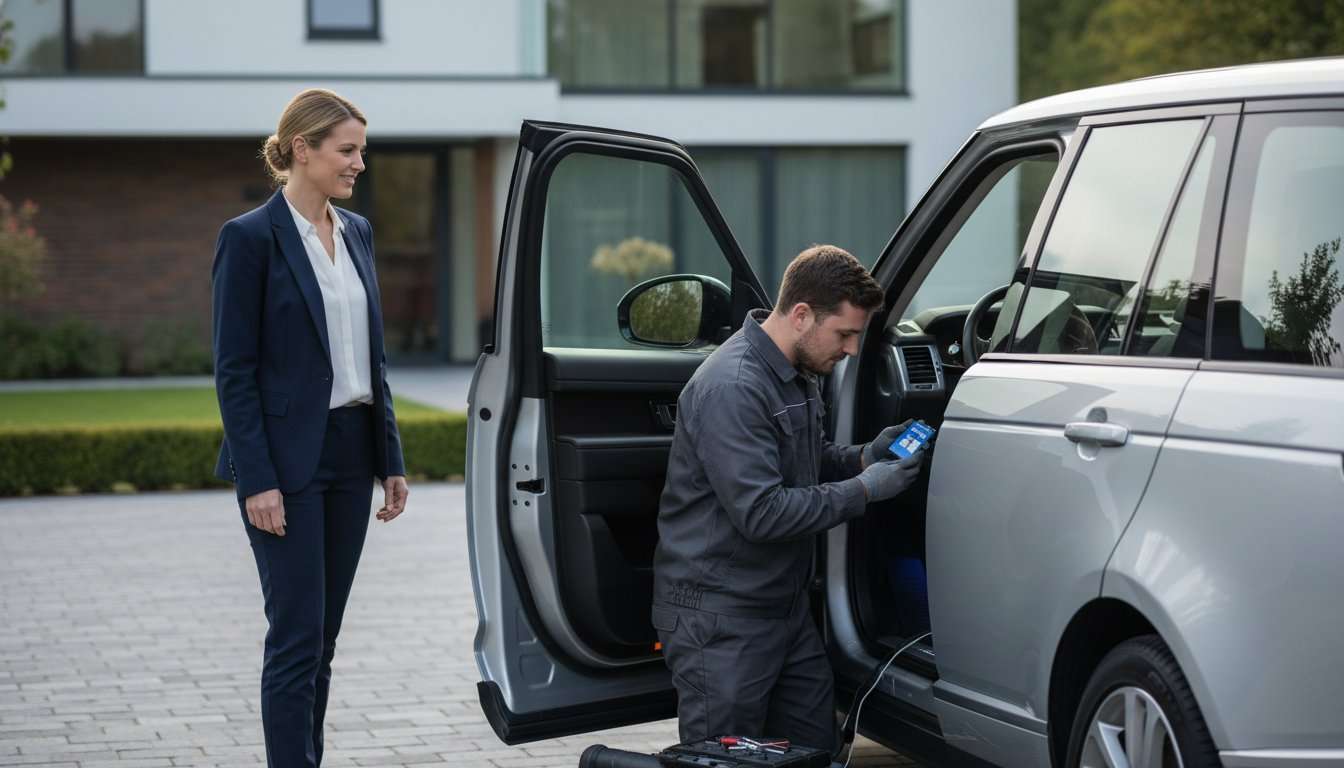
1. Identify the Vodafone S7 tracker correctly
Vodafone Protect & Connect S7 is identified in Vodafone Automotive’s product material as an S7 asset location system. Older descriptions may use VTS, meaning vehicle tracking system. Use the complete product name when enquiring so the proposed hardware and service are clear.
The manufacturer’s current Vodafone Automotive security information is an authoritative technical starting point. Its Protect & Connect brochure describes S7 location reporting, tow-away and tamper alerts, together with app functions.
Ask which hardware version is supplied and which communication technologies it uses. Do not copy a specification from the S5 comparison table into a Vodafone S7 tracker description. Similar branding does not prove identical equipment.
Review the S7 tracking options at Safe & Sound Mobile with your vehicle details and insurer wording available. The team can explain suitable products and installation arrangements.
2. Understand Vodafone S7 tracker monitoring
Vodafone Automotive describes Secure Operating Centres supporting its stolen-vehicle service around the clock. The service uses tracking information and liaison with the relevant police to support a recovery effort. That is different from relying entirely on an owner checking a map.
Ask how a theft is reported, which alerts the provider can receive and how it verifies the owner’s identity. Confirm the contact process and your responsibilities. Keep instructions accessible outside the vehicle, along with the relevant account information.
Check service territory against your intended travel. European service coverage and mobile communication coverage are separate questions, and both need confirming for the particular contract. Do not assume uninterrupted support anywhere a map can be displayed.
A Vodafone S7 tracker does not guarantee police attendance, priority or successful recovery. If theft occurs, notify the police and provider as appropriate and follow their instructions. Do not visit a location to confront suspects or attempt recovery yourself.
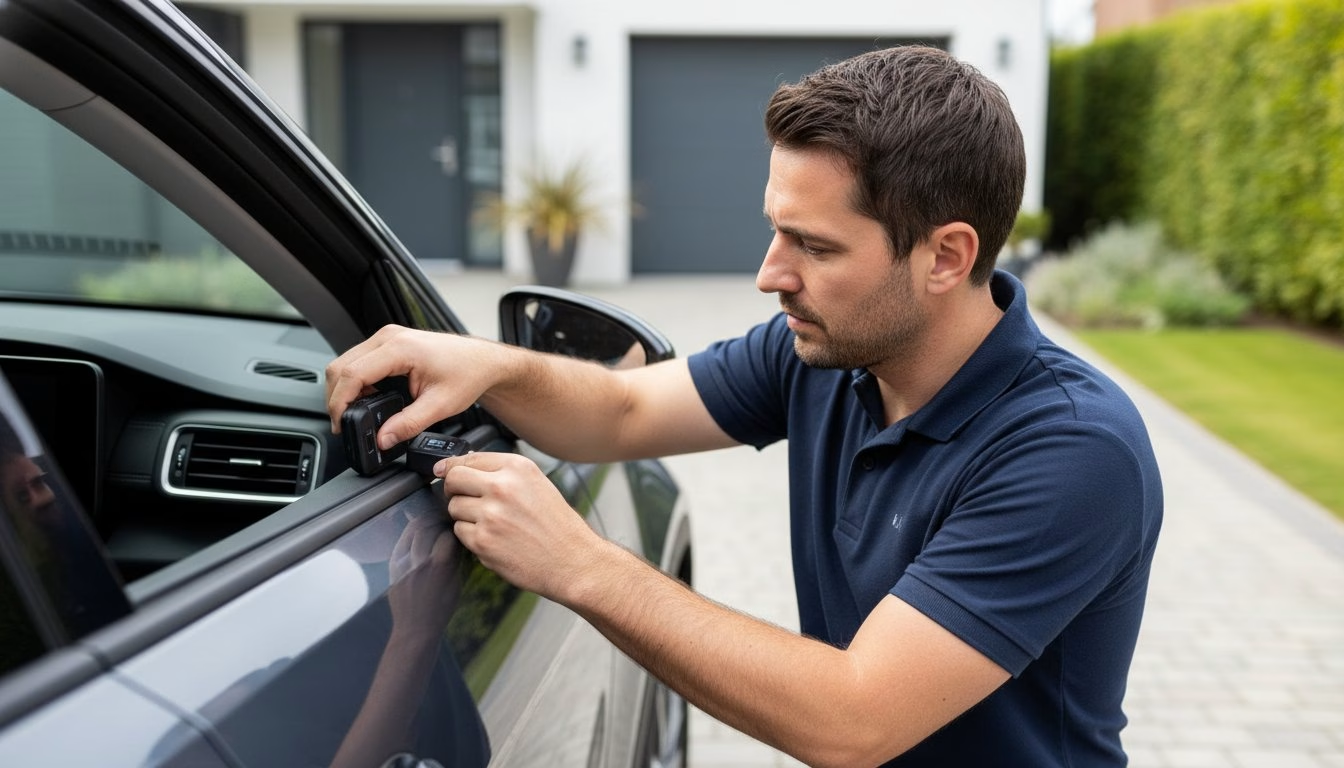
3. Learn the app and the meaning of a location update
Vodafone’s current service uses the My Connected Vehicle app. Its published information includes vehicle location, directions back to the vehicle and geofence functions. Older documents may refer to My Connected Car, so ask which app and account instructions apply to your installation.
Have the included functions demonstrated. A brochure covering several products can show features that do not apply to every model. Ask what is active on the actual Vodafone S7 tracker account rather than assuming every visible menu option is available.
Check the timestamp and status of a reported position. Satellite positioning and communication are separate processes, and buildings, underground parking or network conditions can limit updates. A last known location should not be interpreted automatically as a current fix.
Ask how the product displays unavailable information and what happens when communication resumes. The phrase real time does not establish continuous second-by-second reporting in every situation. Learn the supported behaviour before relying on the app during an incident.
4. Keep Vodafone S7 tracker features separate from S5 Plus
Vodafone’s range includes different security products. Driver recognition and immobilisation features should not be added to an S7 description merely because they appear elsewhere in the brochure. The exact product and installation determine what is included.
The manufacturer’s comparison identifies automatic driver recognition with its S5 range and remote engine immobilisation with relevant S5 Plus configurations. That does not make those functions standard on the Vodafone S7 tracker covered here.
If the insurer requests S5, compare the available S5 tracking systems against the requirement. Ask about driver identification and any separately supported starting-control function.
| Requirement | What to confirm |
|---|---|
| Stolen-asset location | The selected S7 device, monitoring and account |
| Driver recognition | The specific supported S5 product and identification method |
| Starting control | The exact model, hardware and installation offering it |
| Audible warning | Any separate alarm equipment and sensor coverage |
A tracker also does not physically secure belongings inside a car. Keep suitable locks, key storage and parking precautions in place. A combined security package should identify the role of each component clearly.
5. Confirm insurer acceptance before choosing a Vodafone S7 tracker
Ask the insurer for the exact category or named product it requires. Confirm the proposed installation, monitoring and supporting documents in writing before buying. A general insurance-approved description does not establish acceptance for every policy.
Certification and the insurer’s decision are separate checks. Use the specific product and relevant current evidence. Do not assume a device accepted for another driver or vehicle satisfies your own conditions.
No premium reduction is guaranteed. A Vodafone S7 tracker may meet a condition of the quoted cover without creating an additional saving. Ask the insurer for the actual price effect rather than relying on a general percentage claim.
Keep the insurer’s acceptance with the installation records. Ask what applies before fitting is completed and which evidence it needs afterwards. A purchase or appointment booking should not be treated as proof that every requirement has been fulfilled.
6. Arrange suitable Vodafone S7 tracker fitting
Give the installer the make, model, year and powertrain. Mention existing security, relevant modifications and electrical work. Compatibility needs checking for the actual vehicle rather than inferred from the brand alone.
Discuss how often the car is used and whether it is stored for extended periods. Ask about normal power consumption, backup arrangements and the correct procedure for battery replacement or maintenance. Do not assume a backup battery supports a fixed operating period without product-specific confirmation.
For a mobile appointment, provide the full postcode and proposed parking location. Confirm access, suitability and any permission needed at a workplace or shared site. Make the vehicle, keys and relevant owner information available as agreed.
Ask for a written quotation identifying the device, fitting, service and any optional items. This guide does not quote a fixed purchase or subscription price. Confirm the current package and terms directly for your vehicle and required service.
Keep concealed security details private. Public photographs should not reveal hidden equipment positions, wiring routes or account information. The installer can explain normal operation without exposing sensitive fitting details.
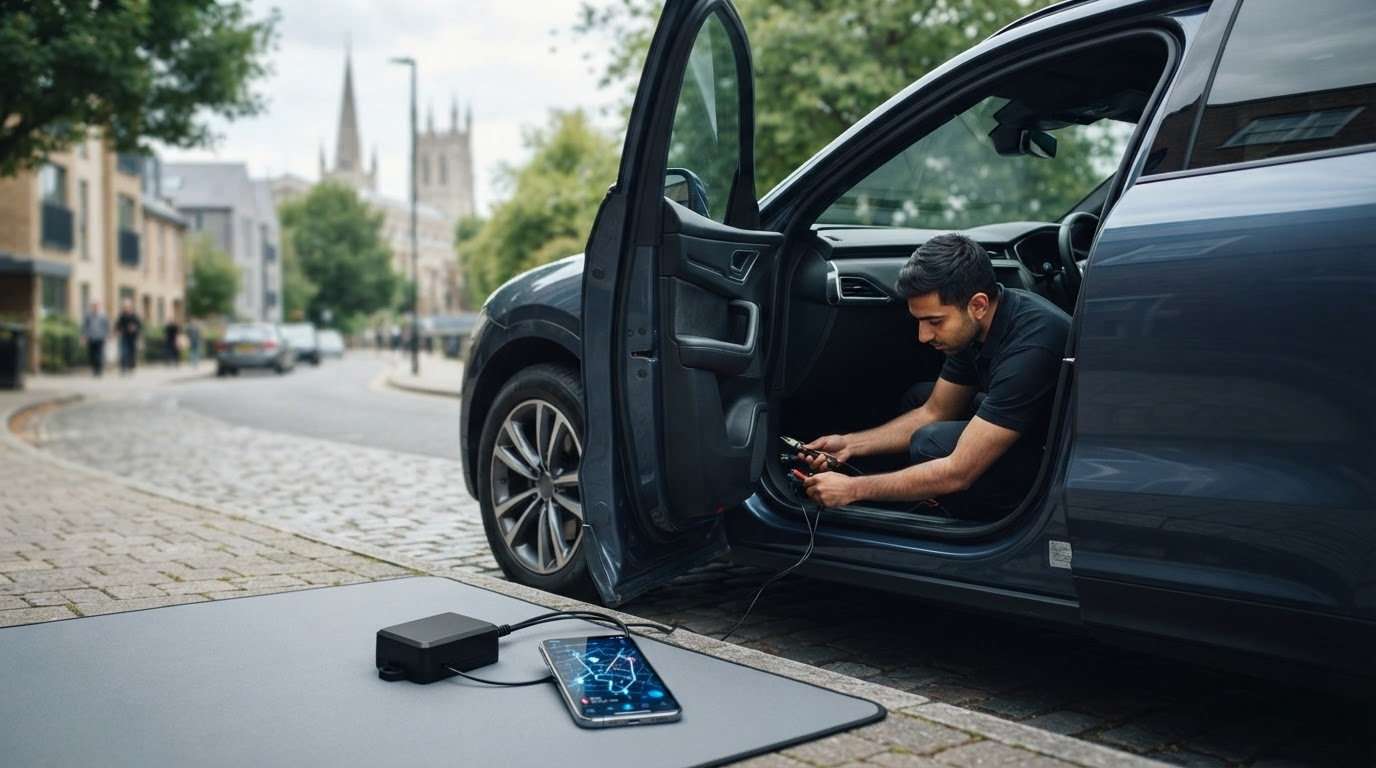
7. Make handover and ongoing support clear
At handover, check activation, vehicle identification and registered contact numbers. Open the app and learn the status indicators, timestamps and included functions. If several drivers use the vehicle, ensure the operating instructions reach all of them.
Ask about the correct procedure for servicing, transport and other authorised vehicle movement. Vodafone’s service material describes garage and transport arrangements; have the process for your account demonstrated rather than following instructions for a different product.
Confirm renewal dates and what happens if monitoring or connectivity ends. If active monitoring is an insurance condition, speak to the insurer before cancelling or allowing service to lapse. Fitted hardware alone may not meet an ongoing service requirement.
Vodafone S7 tracker buying checklist
- Name the exact Protect & Connect product and hardware version.
- Confirm compatibility and current connectivity.
- Get insurer acceptance and required evidence in writing.
- Understand monitoring, territory and theft reporting.
- Check the app functions included on the S7 account.
- Separate S5, Plus, alarm and immobiliser features.
- Keep renewal and support details accessible.
When changing vehicle or ownership, ask about removal, transfer and revised records. Use the provider’s formal account process instead of sharing a personal password. Recheck acceptance if the insurer or policy changes.
Frequently asked questions about the Vodafone S7 tracker
What is Vodafone Protect & Connect S7?
It is Vodafone Automotive’s S7 stolen-asset location product, supported by monitoring and an owner app. Confirm the exact hardware, service and vehicle application before buying.
Does the Vodafone S7 tracker include immobilisation?
Do not assume it does. Vodafone distinguishes S7 from S5 and S5 Plus features. Starting control needs a specifically supported product and installation.
Which app is used?
Current Vodafone material refers to My Connected Vehicle. Ask which app and registration instructions apply to your account, especially if you have older paperwork.
Will it meet my insurer’s requirement?
Only the insurer can confirm acceptance for the policy. Provide the exact product, fitting and monitoring details rather than relying on the S7 label alone.
Does European coverage mean a signal everywhere?
No. Contracted territory and technical reception are separate matters. Buildings and network conditions can limit updates, so confirm both the service area and operational limitations.
What happens if the car is stolen?
Notify the police and Vodafone’s service through the appropriate process, then contact the insurer. Follow their instructions and do not attempt recovery or confrontation yourself.
Conclusion: specify the Vodafone S7 tracker accurately
A Vodafone S7 tracker should be chosen through verified model features, compatibility and insurer acceptance. Understand the app and monitoring service, and keep S5 Plus or separate immobiliser functions out of an S7-only specification.
Ask Safe & Sound Mobile about Vodafone tracker fitting with your vehicle details and insurer wording. The team can confirm suitable options, the current service package and professional installation arrangements.


About author
Related posts

Safe & Sound — Professional Vehicle Enhancers For example, the ability to monitor your vehicle’s movements can drastically enhance safety. Essential Tracker Features A reliable... Continue reading

The most capable security GPS tracker isn’t automatically the right choice for every car. Choose one based on the protection you need, its features... Continue reading

The best car tracker GPS isn’t simply the one with the most alerts. It’s the system that suits your vehicle, installation needs, tracking... Continue reading

Scorpion tracking combines vehicle location technology with professional theft monitoring, giving owners more than a dot on a map. The Scorpion Automotive range includes S7... Continue reading

The best car trackers depend on your vehicle, your insurer’s requirements and how you want the system fitted. If your insurer specifies an approved... Continue reading