
No products in the cart.
Ghost Immobiliser 3: How Ghost III Works and UK Fitting
Ghost Immobiliser 3: How Ghost III Works and UK Fitting
Ghost Immobiliser 3 is a common way of searching for Autowatch Ghost III, a digital aftermarket immobiliser designed for supported vehicle networks, including CAN-FD. It adds an authorisation requirement before the vehicle can be driven, with the exact method and behaviour determined by the installation.
Before booking Ghost Immobiliser 3 fitting, confirm the exact product and compatibility for your car. This guide explains seven checks covering technology, authorisation, professional installation, insurance and everyday use. No security device guarantees protection against every form of theft.
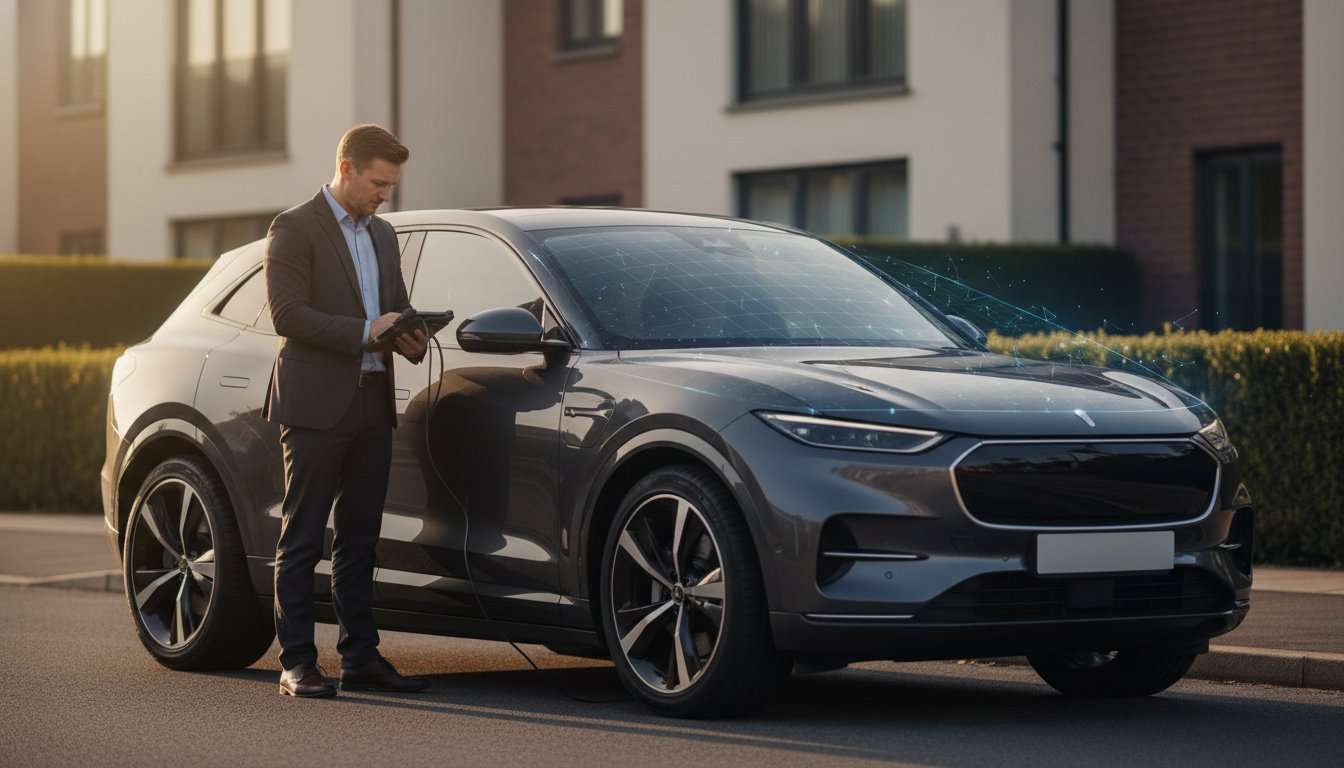
1. Identify the exact Ghost Immobiliser 3 product
Ask for the complete model name on the quotation. Ghost III, Ghost II and products with additional package names should not be treated as interchangeable. A picture of a small security module does not identify the generation or prove compatibility.
Autowatch’s official Ghost III product information is the manufacturer’s technical reference. It describes CAN-FD support, authorisation methods and installation requirements. Use it to check features rather than relying on an old comparison or a third-party headline.
The manufacturer describes support for CAN, LIN and, where required for the specific vehicle, conventional circuit immobilisation. The supported arrangement needs to be confirmed by the installer. Do not assume every car receives the same configuration.
When enquiring about Ghost Immobiliser 3, provide your vehicle’s make, model, year and powertrain. Mention existing aftermarket security and relevant modifications. Those details are more useful than simply asking for the newest immobiliser available.
2. Understand CAN-FD without assuming universal compatibility
CAN stands for Controller Area Network, a communications system used by vehicle electronics. CAN-FD is a development of that technology used on some newer vehicle platforms. The presence of a newer data network is relevant when selecting equipment that communicates with vehicle systems.
Ghost Immobiliser 3 supports CAN-FD according to Autowatch’s product information. That does not mean every new car is compatible, or that an older car necessarily needs this model. The exact application still needs checking.
Ask the installer which supported product suits the vehicle and why. A model-year change, different powertrain or electrical specification can matter even where the badge is unchanged. Avoid general statements that all cars from a particular manufacturer use one setup.
If you already have an immobiliser, discuss the existing installation before deciding to replace it. A newer product name alone does not establish that an upgrade is required or that the current equipment has stopped serving its intended purpose.
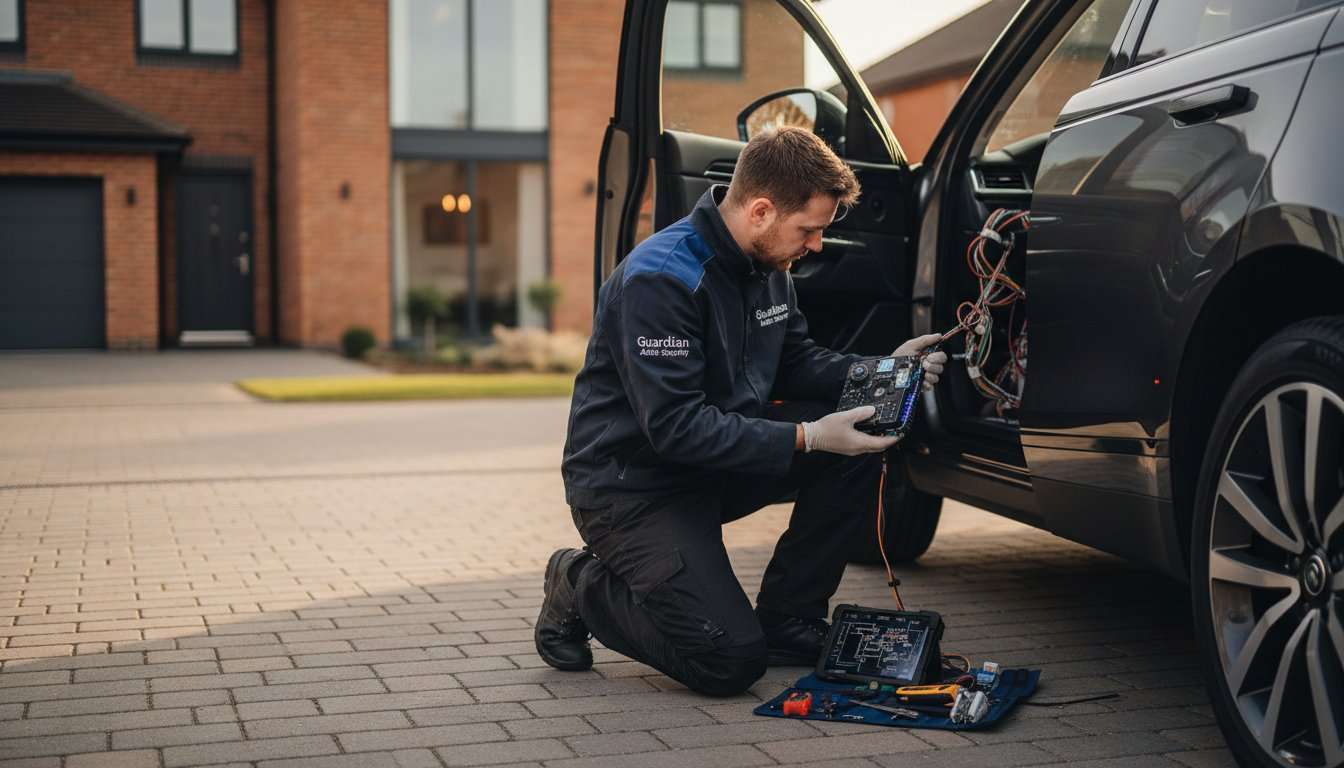
3. Check Ghost Immobiliser 3 authorisation methods
Autowatch identifies PIN authorisation using factory buttons, a key-tag or a smartphone, depending on the installation. Ask which methods are supported and supplied for your particular vehicle. Do not assume that every optional item or connected function is included in a headline price.
The factory-button approach creates an additional authorisation step using supported controls. Have the correct sequence and confirmation signals demonstrated at handover. The installer should explain the actual behaviour of the car before and after authorisation.
Consider every regular driver. If several people use the vehicle, agree a secure, practical way to authorise each one. Do not leave confidential instructions or recovery information inside the car for convenience.
Ask what happens if a phone is unavailable, a tag is lost or a sequence is forgotten. Learn the provider’s official recovery and support process. Do not attempt to bypass or modify Ghost Immobiliser 3 wiring from online advice.
4. Separate immobilisation from tracking and alarms
Ghost Immobiliser 3 controls supported vehicle authorisation. It should not automatically be described as a GPS tracker, a monitored recovery service or a complete audible alarm. Those functions require the relevant equipment and service.
An alarm responds to specified triggers, while a tracker provides location information and may include contracted monitoring. An immobiliser does not physically secure a load door or prevent every way a vehicle can be moved.
Compare the vehicle immobiliser options against your security priorities. If recovery support is also important, discuss the car tracking range as a separate part of the plan.
| Function | What to check |
|---|---|
| Immobilisation | Authorisation and supported behaviour on the actual car |
| Alarm warning | Whether separate alarm hardware and sensors are included |
| Location reporting | The exact tracker and communication arrangements |
| Monitored support | The provider, service terms and any recurring charge |
A package can combine these roles, but ask the installer to name each component. Do not infer tracking from a security graphic or assume that every app associated with an immobiliser provides location monitoring.
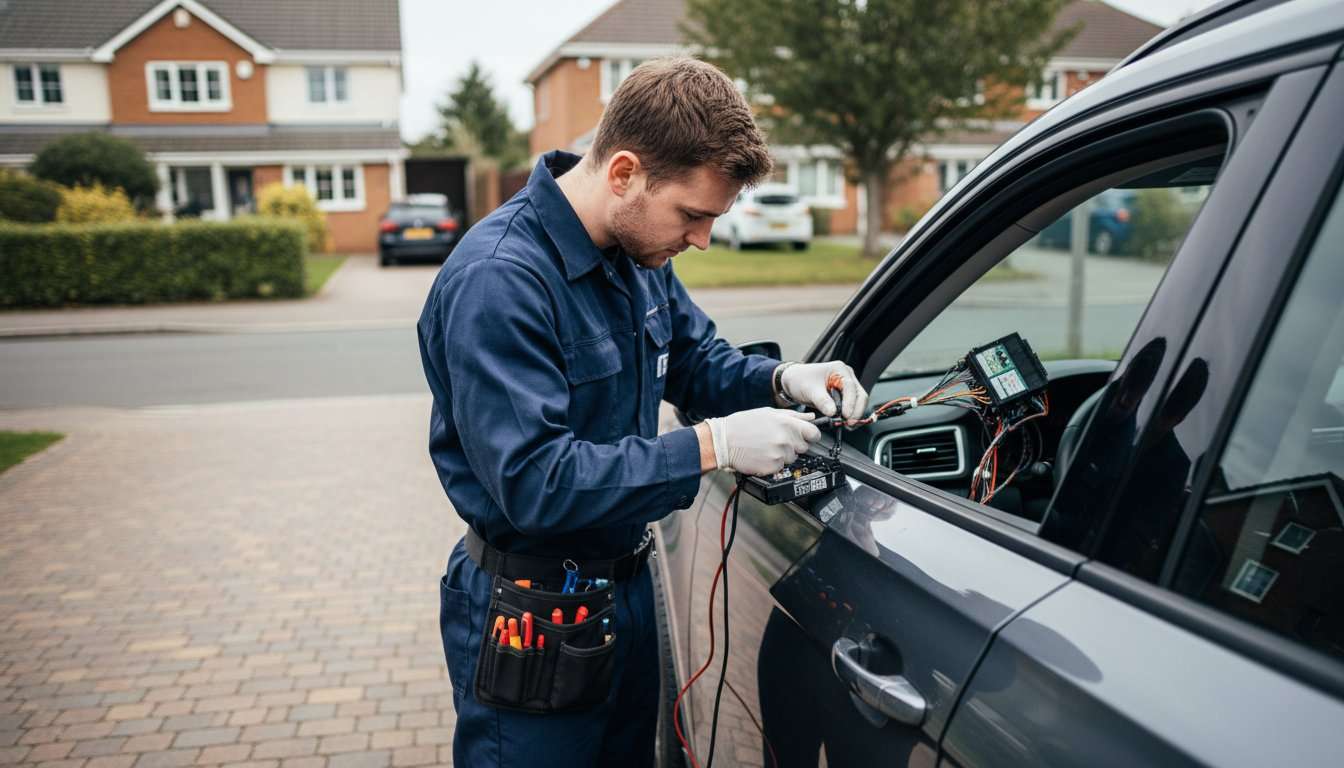
5. Arrange professional Ghost Immobiliser 3 fitting
Autowatch describes professional installation and owner briefing as part of the Ghost III offering. Confirm who will carry out the work, whether the proposed installation is supported and what documents and contact details will be provided.
Discuss the fitting location and access to the vehicle. Give the team accurate details in advance and mention any symptoms, warning lights or recent electrical work. This helps avoid confusing a pre-existing problem with the new installation.
Ask how the system will interact with normal vehicle functions, including remote heating or cooling if fitted. The supported behaviour depends on the car and configuration. Avoid accepting a blanket promise that every factory function behaves identically on every vehicle.
Keep concealed security information private. Public installation photographs should not reveal device positions, wiring routes or confidential authorisation details. The handover can demonstrate operation without turning hidden fitting details into public material.
Request a written Ghost Immobiliser 3 quotation that identifies hardware, fitting, configuration and any optional items. Confirm the support and applicable warranty terms rather than assuming that a package name describes everything included.
6. Confirm insurance and certification accurately
Ask the insurer what security it requires before choosing an installation for insurance reasons. Provide the exact product name and obtain acceptance in writing. A general description of an aftermarket immobiliser may not answer a specific policy requirement.
Do not label Ghost Immobiliser 3 Thatcham approved unless that exact status is verified. Different assessment schemes, product verification and installation registrations have their own meanings. They should be named accurately and checked for the actual product and installer.
An immobiliser does not automatically replace an insurer-required tracker. If your policy asks for a particular tracking category, discuss both requirements with the insurer and installer. Authorisation control and monitored location services are different functions.
No premium saving should be promised. Obtain the insurer’s quotation and conditions for your vehicle. Choose additional security for its supported role, with any financial effect confirmed separately by the insurer.
7. Learn service mode and ownership procedures
The manufacturer identifies a service/valet mode for Ghost III. Have the installer explain the supported procedure, when it is appropriate and how normal protection is restored. Follow the instructions for your product rather than a video for a different generation.
Before a workshop visit, plan how the vehicle will be used by the technician. Keep your private authorisation details secure and use the official temporary arrangement where applicable. If unsure, contact the installer before handing the car over.
Review the plan when drivers or ownership change. Ask about removal, transfer, compatibility and revised records before assuming the system can move to another car. Use a proper handover process rather than leaving the next owner with incomplete instructions.
Ghost Immobiliser 3 fitting checklist
- Confirm the complete model name and supported vehicle application.
- Check which authorisation methods are included.
- Separate alarm, tracking and monitoring options.
- Get a written fitted quotation and support terms.
- Confirm insurer acceptance where relevant.
- Practise normal authorisation at handover.
- Learn service mode and secure recovery procedures.
Frequently asked questions about Ghost Immobiliser 3
Is Ghost Immobiliser 3 the same as Ghost III?
Ghost III is Autowatch’s product naming for this generation. Confirm the full model on the quotation, especially where other package or suffix names are being used.
Does CAN-FD support mean it fits every new car?
No. Confirm the specific make, model, year and electrical application. Network support is a product capability, not proof of universal vehicle compatibility.
Can I authorise it with a phone or tag?
Autowatch lists these methods alongside a factory-button PIN, depending on the installation. Ask which methods and items are supported and included for your car.
Does Ghost Immobiliser 3 track a stolen vehicle?
Do not assume it includes GPS location reporting or monitored recovery. Ask about a separate tracker and supporting service if that is part of your security requirement.
Can it prevent all theft?
No. No security product guarantees protection against every theft method. Keep suitable locking, key storage and parking precautions in place alongside the immobiliser.
What happens during servicing?
Use the official service/valet procedure demonstrated by the installer. Check how protection is restored and seek support if anything is unclear before the workshop visit.
Conclusion: specify Ghost Immobiliser 3 carefully
Ghost Immobiliser 3 should be chosen through confirmed compatibility, supported authorisation and professional fitting. Understand what is included, separate tracking from immobilisation and learn the procedures before relying on the installation.
Ask Safe & Sound Mobile about Ghost III fitting with your vehicle details and security priorities. The team can confirm suitable options and explain the installation and handover arrangements.


About author
Related posts

Car Immobiliser Fitting Shenfield: Options and Preparation Immobiliser fitting in Shenfield should start with the vehicle and the purpose of the installation. An additional immobiliser... Continue reading
What Is Car Ghosting? Ghost Immobilisers and Relay Theft Car ghosting is a phrase you may encounter while researching Ghost immobilisers and keyless theft. It... Continue reading
Ghost Immobiliser Cost: UK Prices and Fitting Explained The Ghost immobiliser cost depends on the exact product and the installation being quoted. As checked on... Continue reading

Car Immobiliser: 7 Essential Checks for Better Security A car immobiliser checks for the required authorisation before allowing a vehicle to start or operate in... Continue reading

Van Security: 7 Essential Checks for Better Protection Van security needs to protect two things: the vehicle itself and what you carry inside it. A... Continue reading