
No products in the cart.
SmarTrack Reco S7 Tracker: Features, Insurance and Fitting
SmarTrack Reco S7 Tracker: Features, Insurance and Fitting
The Reco S7 tracker is a SmarTrack vehicle tracking product supported by Global Telemetrics monitoring. SmarTrack identifies it as tested to the Thatcham S7 standard, with an app for location information and an internal backup battery. Its suitability still depends on the vehicle, installation and service your insurer accepts.
This guide explains seven checks before choosing a Reco S7 tracker. It separates verified features from assumptions about immobilisation, app functions, costs and insurance. No tracker guarantees recovery or an automatic premium reduction.
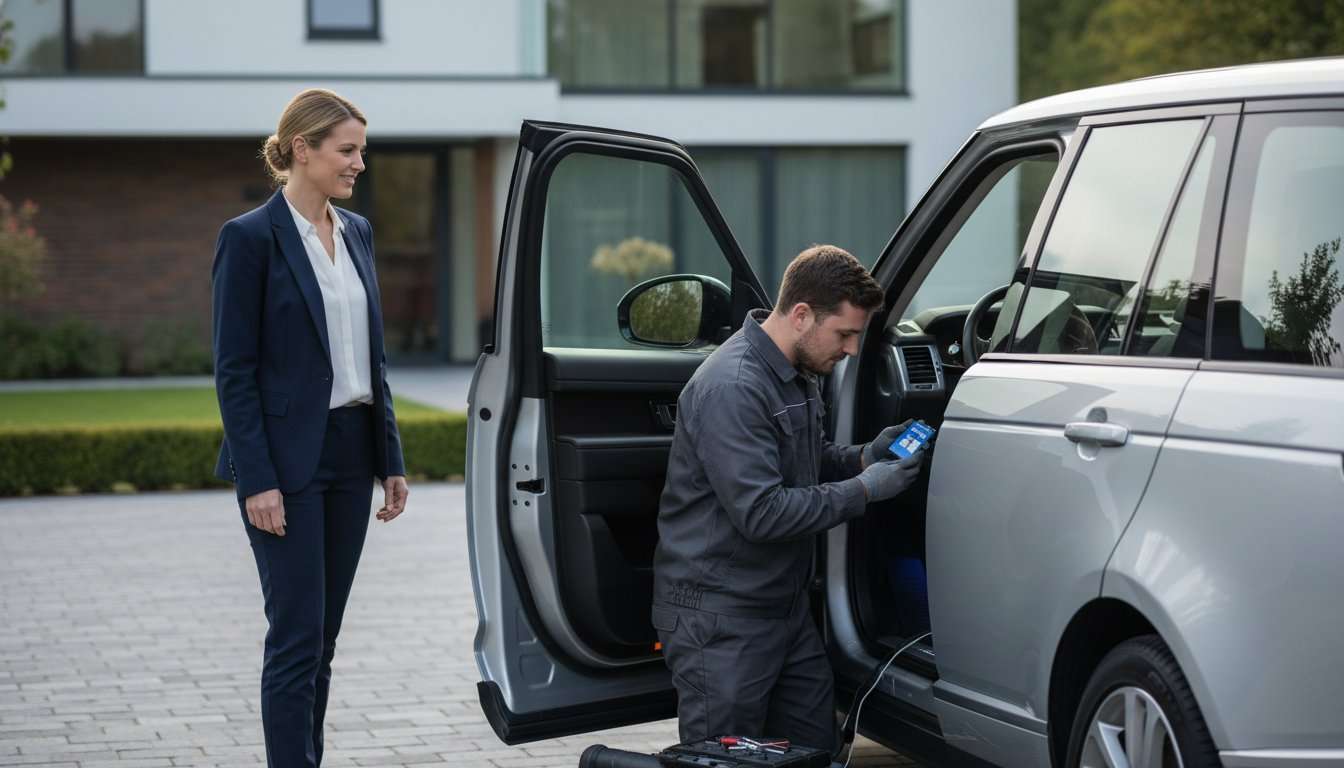
1. Check the Reco S7 tracker specification
The manufacturer’s official SmarTrack Reco product information describes GPS/GLONASS positioning, GPRS and GSM communication, an internal backup battery and the Global Telemetrics app. This is the authoritative technical reference for the named model.
SmarTrack also lists battery-disconnect and low-battery notifications and describes Global Telemetrics monitoring. Ask the installer to confirm the current hardware version, connectivity and contracted service supplied in the quotation.
Do not extend that feature list through assumptions. Galileo reception, geofencing, a full fleet portal and a particular reporting interval should only be claimed when verified for the actual product and account. A feature shown on another SmarTrack model does not automatically belong to Reco.
Review Safe & Sound Mobile’s verified SmarTrack Reco S7 tracker listing with your vehicle details available. Ask the team to explain the precise installation and service being offered.
2. Confirm the Reco S7 tracker meets the policy requirement
A product tested to S7 is not automatically accepted by every insurer. Obtain the exact category or named-model requirement in writing and ask the insurer to confirm the proposed system, fitting and monitoring arrangement.
Do not select a tracker from a general vehicle-value rule. There is no basis for assuming every car below a particular price needs S7 or every car above it needs S5. The actual policy requirement is the relevant starting point.
Ask what evidence the insurer needs after fitting. Keep the installation record, activation information and any supplied certificate with the written acceptance. An appointment booking or purchase receipt alone may not answer all the insurer’s questions.
The Reco S7 tracker should not be presented as guaranteeing cheaper insurance. A device may satisfy a condition of cover without reducing the quotation. Confirm any actual saving directly rather than relying on an advertised percentage.
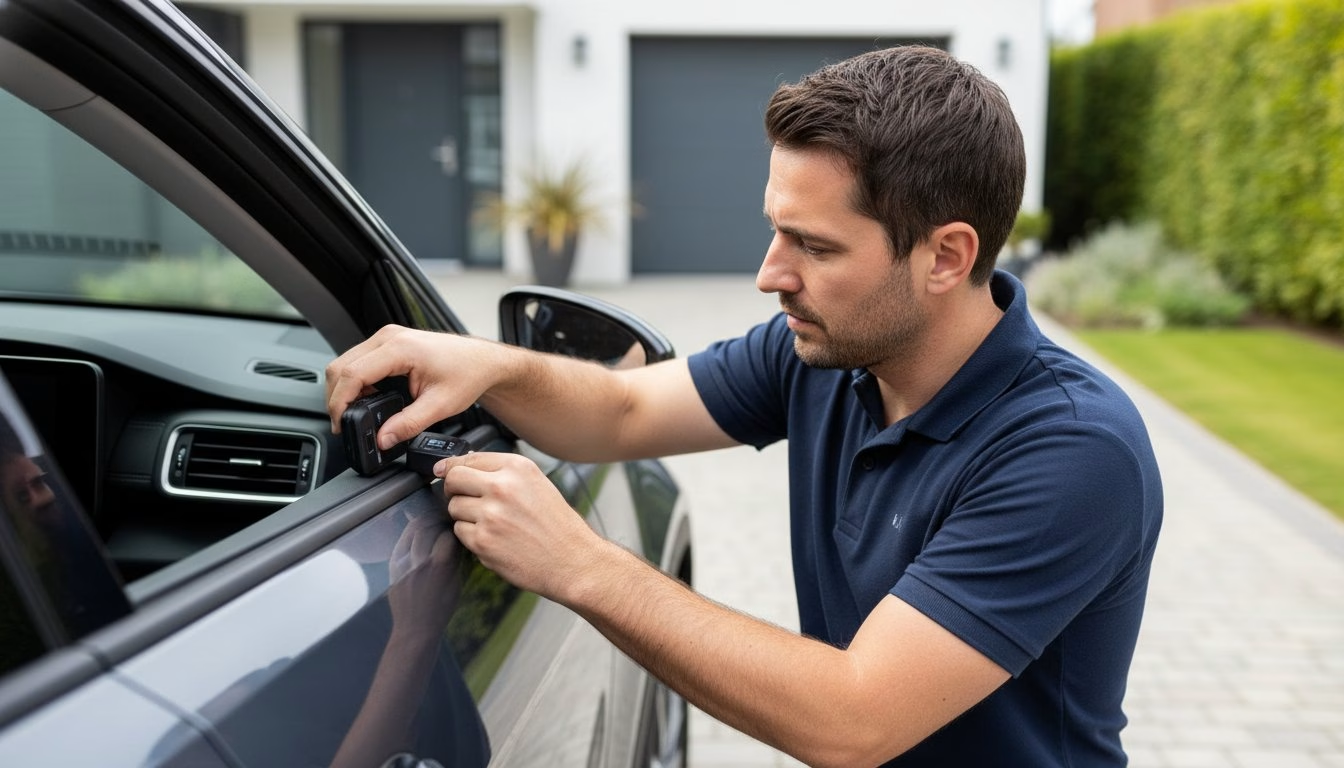
3. Understand monitoring and owner responsibilities
Global Telemetrics monitoring and the owner app are different parts of the service. Ask how alerts are handled, when an owner report is needed and what information you must provide if the vehicle is stolen.
Confirm the registered telephone numbers, identity-verification process and alternative contacts. Keep the provider’s instructions accessible outside the vehicle so you are not dependent on paperwork locked inside a missing car.
Ask about the service territory and supported travel arrangements. International coverage should be confirmed for the actual contract and hardware. Do not interpret a map covering other countries as proof that every part of the service operates there.
A Reco S7 tracker can support a response, but it does not guarantee police attendance, priority or recovery. Report theft to the police and provider as appropriate and follow their procedures. Never use a displayed location to confront suspects or attempt recovery yourself.
4. Learn the Reco S7 tracker app and coverage limits
SmarTrack describes a Global Telemetrics app for Android and Apple devices that shows location information. Ask for a demonstration of the functions included on the Reco account rather than assuming it matches a more extensive fleet product.
Check how the app shows the time and status of a reported location. A marker may represent the last known position if a current update is unavailable. Learn the difference before relying on the map during an incident.
Satellite positioning and communication can be affected by buildings, underground parking and network conditions. No tracker provides a reliable current fix in every situation. Ask what the product reports when reception or communication is interrupted.
For the Reco S7 tracker, confirm which mobile network technologies the current hardware uses and what ongoing support applies. Connectivity specifications matter over the life of a device, especially if the car travels or is kept for several years.

5. Arrange suitable Reco S7 tracker installation
Give the installer the make, model, year and powertrain. Mention existing alarms, immobilisers, trackers and relevant modifications. A similar vehicle badge does not establish that every version supports the same fitting arrangement.
Explain the use pattern, including extended storage. Ask about power consumption, low-battery behaviour and approved battery-maintenance procedures. An internal backup battery does not justify claiming operation for a fixed number of days without verified product information.
The manufacturer describes an optional connection to a suitable aftermarket alarm. Discuss compatibility and inclusion before installation if that feature is wanted. An optional alarm input does not mean an audible alarm is supplied with every Reco S7 tracker package.
Agree a suitable fitting location and make the keys and relevant owner information available. Have activation and normal operation demonstrated. Avoid public photographs that reveal hidden device positions or security wiring.
6. Compare Reco with other S7 and S5 options
Compare the available S7 systems by the verified functions, service and total quotation. Do not assume that a lower-cost or app-focused product provides every report available on a more extensive system.
If the insurer requests S5, review the S5 tracking options against that requirement. Ask how the selected product handles driver identification and what every regular driver needs to do.
Driver identification, tracking and immobilisation are separate functions. The Reco S7 tracker should not be described as providing remote immobilisation or automatic starting control unless an additional supported product and installation explicitly supply that function.
| Comparison point | Useful question |
|---|---|
| Insurer requirement | Which exact model and service are accepted? |
| Owner interface | Which app or portal functions are included? |
| Monitoring | Who handles alerts and theft reports? |
| Power | What maintenance and backup limits apply? |
| Additional equipment | Is an alarm or immobiliser included separately? |
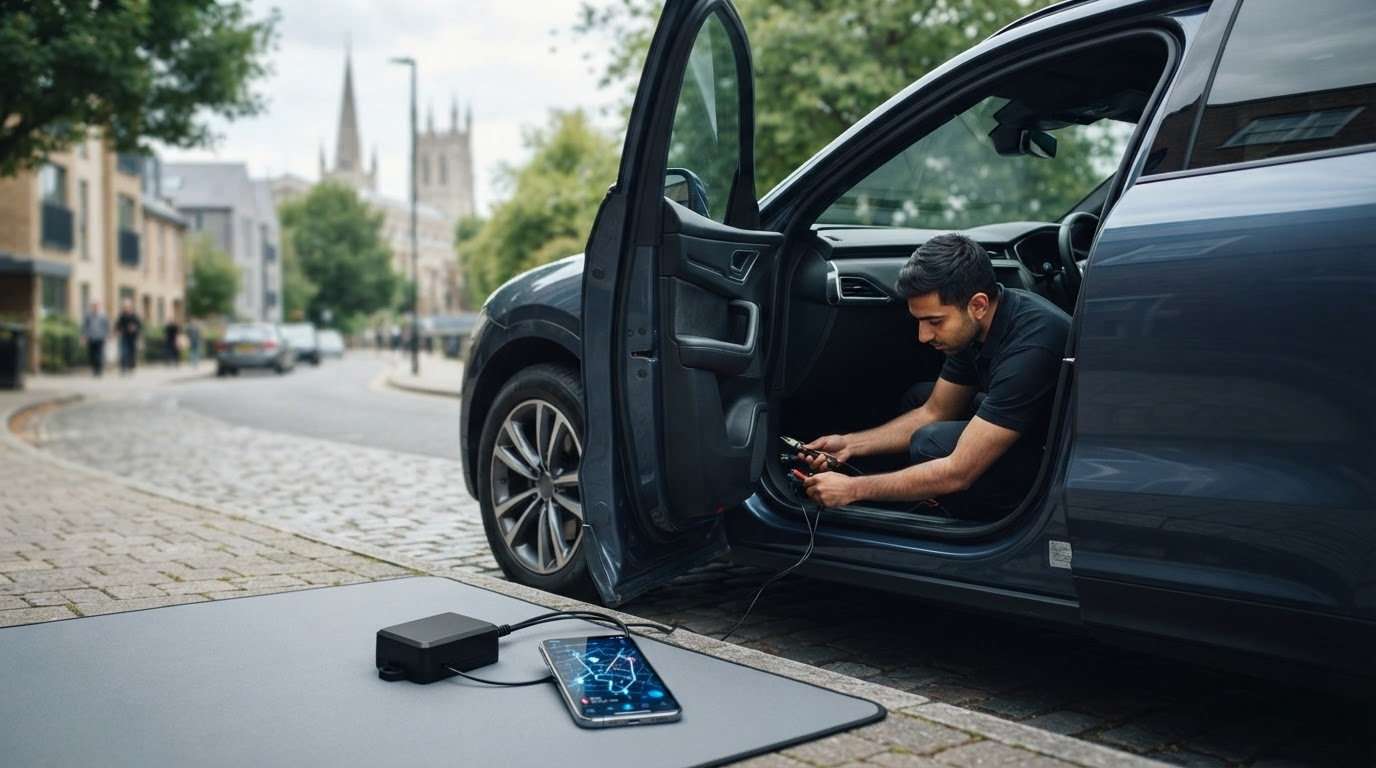
7. Check the full Reco S7 tracker quotation and handover
Request a written total for the hardware, fitting and monitoring or connectivity. Ask what initial service period is included, what renewal costs apply and what happens if service ends. Do not use a manufacturer’s suggested price as the confirmed installation quotation for every vehicle.
At handover, confirm the vehicle and account details, registered contacts and normal app access. Ask for the relevant documents and the provider’s instructions for servicing, transport and battery work.
If active monitoring is an insurance condition, speak to the insurer before cancelling or allowing it to lapse. Keep renewal and payment information current. The presence of fitted hardware alone does not establish that an ongoing service requirement has been met.
Before booking: a practical checklist
- Confirm the exact Reco model and current connectivity.
- Get insurer acceptance and required evidence in writing.
- Check vehicle compatibility and storage needs.
- Understand monitoring, reporting and coverage limits.
- Confirm which app functions and optional inputs are included.
- Get fitting and ongoing service costs in the quotation.
- Retain support details and learn the theft-reporting process.
When the vehicle is sold or replaced, ask about removal, transfer, compatibility and revised records. Use the provider’s formal account process rather than sharing a personal password. Confirm the next insurer’s position instead of assuming previous acceptance carries over.
Frequently asked questions about the Reco S7 tracker
Is the Reco S7 tracker tested to a Thatcham standard?
SmarTrack identifies Reco as tested to the Thatcham S7 standard. Check the exact product and obtain insurer acceptance for your particular installation and service.
Does it include an owner app?
The manufacturer lists the Global Telemetrics app for Android and Apple devices. Ask which functions are included on the Reco account rather than assuming a full fleet portal or every available app feature.
Will it keep working after battery disconnection?
SmarTrack describes an internal backup battery. Its duration and supported operation need checking for the current unit; do not assume a fixed number of days.
Does Reco include immobilisation?
Do not assume it does. Tracking and starting control are different functions. Ask about a separate supported immobiliser if that is part of your security brief.
Is an aftermarket alarm connection included?
The manufacturer describes an optional alarm input. Confirm the alarm’s compatibility and the agreed installation before booking. It does not mean every package includes a complete alarm.
Will it guarantee an insurance saving?
No. Ask the insurer for the actual quotation and policy conditions. Certification and monitoring do not establish a universal premium reduction.
Conclusion: specify the Reco S7 tracker accurately
The Reco S7 tracker offers verified location and monitoring features, but a useful purchase depends on compatibility, insurer acceptance and clear ongoing service. Check the actual model and account rather than borrowing claims from another tracker.
Ask Safe & Sound Mobile about Reco tracker fitting with your vehicle details and insurer wording. The team can explain the current package and arrange suitable professional installation.


About author
Related posts

A hardwired car tracker installation connects the device to the vehicle’s power, earth and ignition or accessory circuit. The tracker is typically... Continue reading

A tracker can help locate a vehicle after it’s stolen, but it won’t prevent the theft itself. To choose between auto security systems, understand... Continue reading

Could the tracker you choose be impractical to move if you change cars? With mobile car tracker fitting in the UK, start by matching the... Continue reading

A vehicle tracker is only useful when it is correctly fitted and sends the data a business needs. Commercial vehicle tracker installation involves... Continue reading

Yes, HGV tracker installation in the UK can be arranged as a mobile service, with a fitter coming to your location. The right tracker depends... Continue reading