
No products in the cart.

Do Dashcams Record When the Car Is Off?
Parking Mode, Power, and Protection Explained
Many drivers worry about what happens to their vehicle when they park and walk away. Vandalism, hit-and-runs, and theft attempts often occur in car parks when no one is watching. A standard dashcam that only works while you drive cannot protect you from these threats.
One common question among drivers is, “Do Dashcams Record When Car Is Off?” Understanding this can significantly impact your vehicle’s security.
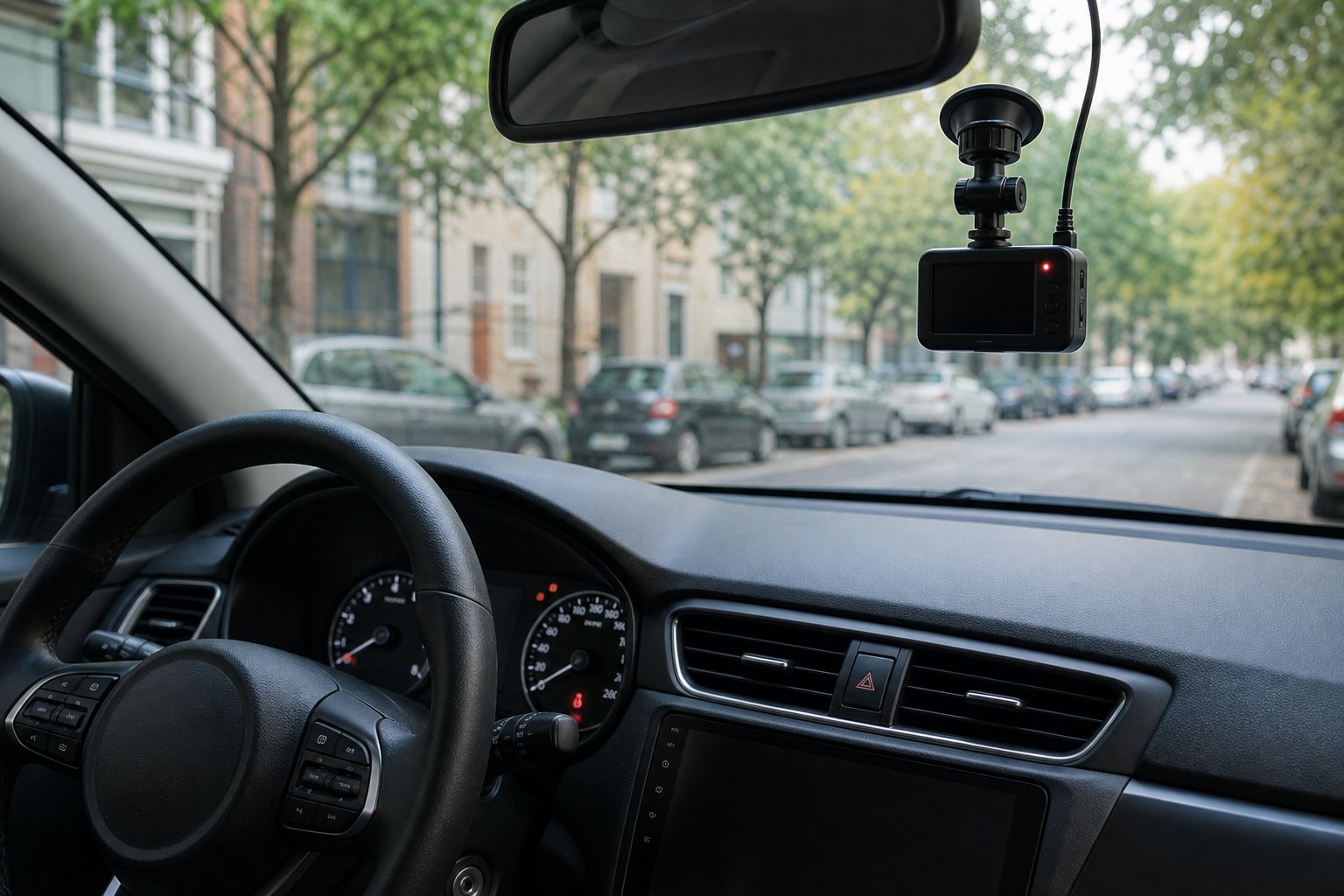
To answer the question, “Do Dashcams Record When Car Is Off?” you need to know that the dashcam’s functionality is crucial to your peace of mind when parked.
Most dashcams do not record when your car is off, but models with a feature called “parking mode” can monitor your vehicle 24/7 if connected to a constant power source. Without this specific capability, your camera shuts down when the ignition is turned off, leaving your car unprotected. The good news is that parking mode technology has become more accessible and reliable in recent years.
This guide explains exactly how parking mode works, what triggers a recording, and how your dashcam gets power without draining your battery. You will learn about the different power options available, built-in safety features, and what to look for when choosing a camera that offers true round-the-clock surveillance.
Understanding Parking Mode and Off-Engine Recording
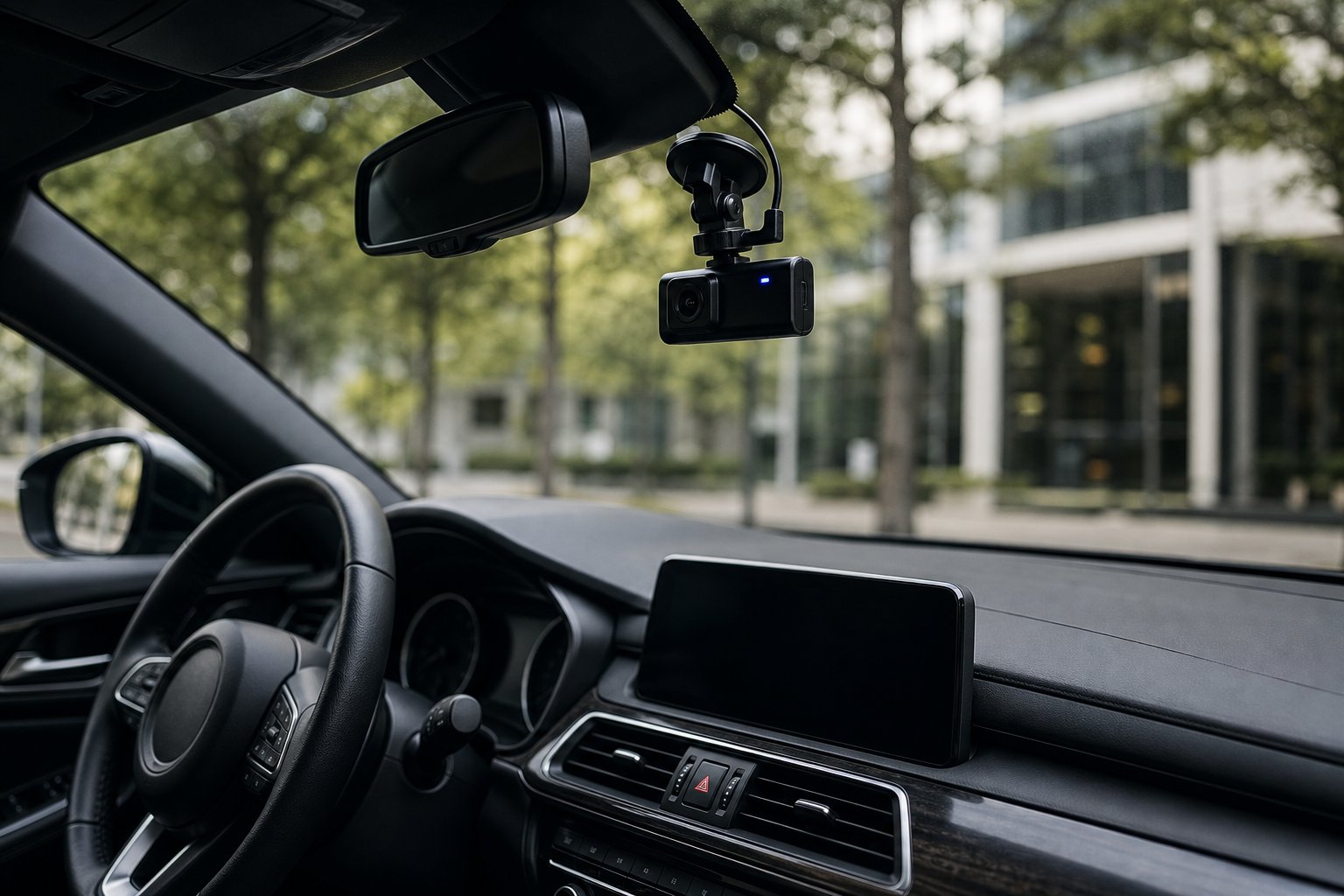
Parking mode enables a dash cam to monitor your vehicle when the ignition is off by using sensors to detect impacts or motion, then recording those events via different capture methods such as buffered recording, time-lapse, or traditional loop recording.
How Parking Mode Works
Parking mode is a specialised surveillance feature that keeps your dash cam alert after you turn off the engine. When you switch off the ignition, the camera enters a low-power standby state rather than shutting down completely. This requires a continuous power source, either through a hardwire kit connected to your car’s fuse box or an external battery pack.
The dash cam uses sensors to monitor for activity whilst in standby mode. The most common sensor is a G-sensor (also called an accelerometer), which detects sudden movements or impacts to your vehicle. Some models also include motion detection capabilities that use the camera’s image sensor to identify movement in the camera’s field of view.
When the G-sensor detects an impact above a certain threshold, or when motion detection spots movement, the camera “wakes up” from standby mode and begins recording. This triggered approach saves both storage space on your memory card and battery power compared to continuous recording.
You can typically adjust the sensitivity of these sensors in your dash cam’s settings to avoid false triggers caused by minor vibrations, such as passing lorries or strong winds.
Types of Event Detection: Motion, Impact, and More
Impact detection relies on the G-sensor to identify sudden jolts or collisions to your parked vehicle. The accelerometer measures changes in movement across three axes, and when these changes exceed your configured sensitivity threshold, recording begins. This method is highly effective for detecting hit-and-runs or attempted break-ins, but won’t capture slow-moving incidents like someone keying your car.
Motion detection monitors the video feed for changes in the image, such as a person walking past or another vehicle pulling into the space next to you. This method captures a broader range of incidents but is more prone to false triggers from harmless activities, such as pedestrians or animals. The trade-off is more complete surveillance at the cost of increased battery drain and storage use.
Some advanced dash cameras combine both detection methods for comprehensive parking surveillance. The dual-sensor approach ensures you capture both sudden impacts and slower movements, though it increases power consumption compared to a single detection method.
Comparison of Buffered, Time-Lapse, and Loop Recording Modes
Different parking mode recording methods offer distinct advantages depending on your security priorities and available power.
| Recording Mode | How It Works | Storage Impact | Power Usage | Key Advantage |
|---|---|---|---|---|
| Buffered (Pre-Roll) | Continuously records to internal memory; saves 5-10 seconds before trigger | Low (event-only) | Medium | Captures lead-up to incident |
| Time-Lapse | Records at 1-2 fps continuously | High | High | Complete timeline of events |
| Loop | Records continuously at full quality, overwrites oldest files | Highest | Highest | Full-quality constant recording |
Buffered parking mode (also called pre-roll recording) represents the optimal balance for most drivers. The camera constantly records to a small internal buffer but only saves footage to your memory card when triggered by motion or impact. Crucially, it includes the seconds leading up to the trigger event, capturing vital evidence such as an approaching vehicle’s number plate.
Time-lapse recording provides a complete record of everything around your parked car by capturing frames at a much lower rate than a normal video recording. Whilst this gives you a full timeline, it consumes significantly more power and storage space. Fast-moving details may also be missed due to the low frame rate.
Loop recording in parking mode works like standard driving mode: it continuously records at full quality and overwrites the oldest files when the card fills up. This method offers the highest video quality but drains your battery fastest and requires the largest memory cards to be practical for extended parking periods.
Power Solutions, Battery Protection, and Privacy Considerations
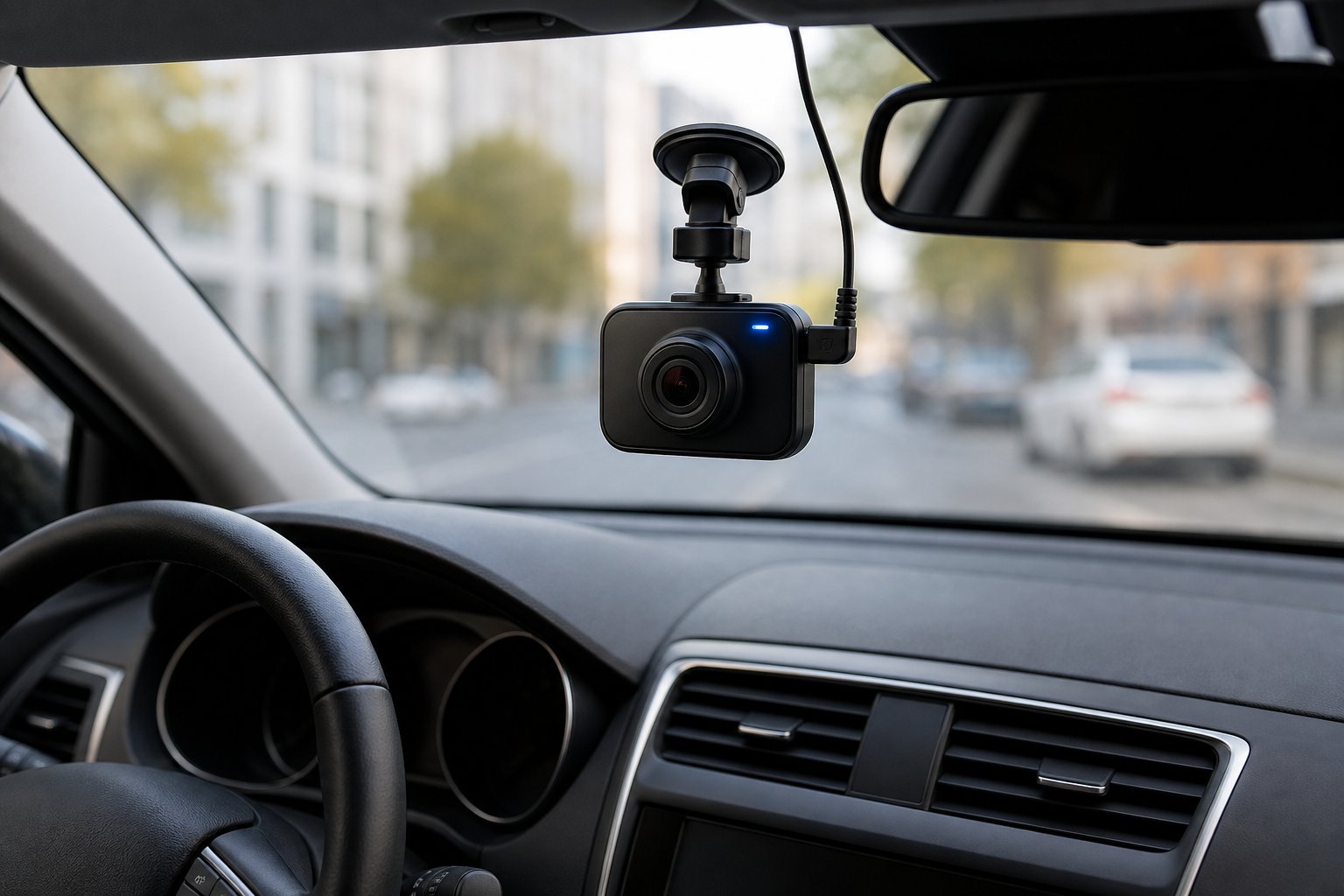
Recording whilst your car is off requires careful planning around power delivery and battery health. Proper equipment and settings protect your vehicle’s battery whilst continuous monitoring raises important privacy questions.
Hardwiring Kits and External Battery Packs
A hardwiring kit connects your dash cam directly to your vehicle’s fuse box. This provides constant power even when the ignition is off. The kit typically includes a cutoff-voltage feature to protect your battery.
An external battery pack offers a safer alternative for extended parking surveillance. These packs charge whilst you drive and power the dash cam when parked. They prevent any drain on your car’s main battery.
External battery packs cost more upfront but eliminate battery drain concerns. They’re ideal if you frequently park for several days at a time. Some packs can power a dash cam for 24-48 hours, depending on the pack’s capacity.
Continuous Power and Preventing Battery Drain
Most dash cams consume 2-5 watts whilst recording. This power draw adds up quickly when your engine isn’t running to recharge the battery.
The size and health of your car battery determine how long a dash cam can run. A newer battery handles the drain better than an older, weaker one. Your dash cam’s specific power consumption also plays a major role.
Without protection, a hardwired dash cam can fully drain your battery in 1-3 days. This leaves you unable to start your vehicle. Always use protective measures when running a dash cam off your car’s battery.
Low-Voltage Cutoff and Battery Protection Settings
Low-voltage cutoff (LVC) automatically shuts down your dash cam when battery voltage drops too low. This preserves enough power to start your engine. Most hardwiring kits include this essential feature.
You can type cutoff to set the cutoff threshold between 11.8V and 12.2V. Lower settings allow longer recording but risk draining the battery too much. Higher settings are safer but reduce parking mode duration.
Common LVC Settings:
- 11.8V – Maximum recording time, higher drain risk
- 12.0V – Balanced protection for most vehicles
- 12.2V – Conservative setting, shortest recording time
Check your LVC setting regularly and adjust based on your battery’s age and parking habits.
Privacy Regulations and Responsible Dash Cam Use
Recording in public spaces is generally legal, but privacy laws vary by location. Your dash cam captures footage of other people, their vehicles, and their behaviour. You must understand your local regulations before using parking mode.
In many areas, you cannot record audio without consent from those being recorded. Some dash cams allow you to turn off audio recording whilst keeping video active. Always check whether audio recording is permitted where you park.
Be mindful of where you park and what your camera records. Avoid positioning cameras to capture private property or areas where people have a reasonable expectation of privacy. Store footage securely and only share it when necessary for insurance claims or legal purposes.
Frequently Asked Questions
Many drivers have questions about how dashcams operate when their vehicles are parked. Recording capabilities depend on power sources, parking mode features, and whether additional equipment is installed.
Do dash cams keep recording when the ignition is turned off?
Most dashcams stop recording when you turn off the ignition unless specific features are enabled. Standard dashcams plugged into cigarette lighter sockets typically lose power when the ignition switches off.
Your dashcam needs a continuous power source to keep recording. This means the cigarette lighter socket must stay powered after you turn off the car, or the dashcam must be connected to another power source.
Dashcams with parking mode can continue recording after the ignition is off. However, they require either a hardwired connection to your car battery or an external battery pack.
What is parking mode, and how does it work on a dash cam?
Parking mode is a feature that allows your dashcam to monitor your vehicle when it’s parked and the engine is off. This mode activates automatically when it detects that your car has been switched off.
Most parking modes don’t record continuously to save power. Instead, they use motion detection or impact sensors to trigger recording only when necessary.
Motion-detection parking mode monitors the area around your car using the camera lens. When movement is detected, the dashcam wakes up and begins recording. This saves significant battery power compared to continuous recording.
Impact detection uses the built-in G-sensor to detect bumps, hits, or sudden movements. If someone bumps your parked car, the sensor triggers the dashcam to start recording immediately.
Some dashcams offer time-lapse recording in parking mode. This records at a much lower frame rate, such as 11 or 22 frames per second instead of 30, which dramatically reduces power consumption.
How long can a dash cam record after the car has been switched off?
Recording duration depends entirely on your power source and dashcam settings. Without an external power supply, most dashcams can record for only a few minutes on their small internal batteries.
If you’ve hardwired your dashcam with a battery protection kit, recording time depends on your car battery’s capacity and cutoff voltage setting—this could range from a few hours to over 24 hours.
External battery packs provide more predictable recording times. A 10,000 mAh battery pack can power a dashcam for approximately 10 to 20 hours, depending on whether it’s in continuous recording or motion-detection mode.
Your recording resolution and frame rate also affect duration. Higher resolutions like 4K consume more power than 1080p, reducing how long your dashcam can record.
Temperature impacts battery performance as well. Extreme heat or cold can reduce your battery’s capacity, shortening recording times.
Do dash cams record continuously 24/7 or only when they detect motion or impact?
This depends on your dashcam model and which parking mode settings you’ve selected. Some dashcams can record continuously if they’re properly powered through a hardwired connection or an external battery pack.
Continuous recording in parking mode provides the most complete surveillance. However, it drains power much faster than other methods and requires a robust power solution.
Most users set their dashcams to motion detection or impact detection modes. These methods are far more power-efficient because they only record when triggered by movement or a physical impact.
Motion detection is ideal for areas with moderate activity. The dashcam remains in a low-power state until it detects movement, then begins recording for a set period.
Impact detection is the most power-efficient option. Your dashcam only activates when the G-sensor detects a bump or collision, making it perfect for overnight parking.
Will a dash cam still record audio when the vehicle is parked and the engine is off?
Yes, most dashcams with parking mode record audio along with video when triggered. The audio recording function typically stays active whenever the camera is recording.
Some dashcam models allow you to turn off audio recording in the settings. This might slightly extend battery life, though the power savings are minimal.
Keep in mind that audio quality may be limited when recording through glass. Many dashcams are designed primarily to capture external sounds through the windscreen rather than sounds from inside the car.
Check your local laws regarding audio recording in parked vehicles. Some jurisdictions have specific regulations governing the recording of audio in areas where people have a reasonable expectation of privacy.
Do you need a hardwire kit or an auxiliary battery to record while parked?
You need either a hardwire kit or an external battery pack for reliable parking-mode recording. Standard cigarette lighter connections won’t provide power when your car is off.
A hardwire kit connects your dashcam directly to your car’s fuse box and battery. This provides continuous power and includes voltage protection to prevent your car battery from being completely drained.
Most hardwire kits include a cutoff voltage feature. Cutoff monitors your car battery and cuts power to the dashcam if the voltage drops too low, ensuring you can still start your vehicle.
External battery packs are an alternative solution. These dedicated power banks charge whilst you drive and then power your dashcam when the engine is off.
Battery packs are generally easier to install than hardwire kits. However, they need regular recharging through normal driving to maintain their capacity.
The choice between hardwiring and a battery pack depends on your parking needs. Hardwiring suits daily use, whilst battery packs work well for occasional parking monitoring.


About author
Related posts

A GPS location alone doesn’t mean a tracker meets a Thatcham security standard. For motorhome tracker installation in the UK, the key difference is... Continue reading

Thatcham approval identifies vehicle security systems tested against recognised criteria, and S5 is the highest level of stolen-vehicle tracking... Continue reading

Insurance-approved tracker installation in the UK comes down to fitting the category your insurer requires: S5 or S7. Thatcham Research replaced the... Continue reading

A tracker’s installation method matters as much as its tracking features. Fleet vehicle tracker installation in the UK depends on the device: some... Continue reading

A GPS tracker can calculate its position without mobile signal, but it needs a way to transmit that location if you want to see it... Continue reading