
No products in the cart.

BlackVue DR590X Dash Cam: Product Guide
Complete Guide, Features, and Setup
The BlackVue DR590X is a Full HD dashcam that comes in both single-channel (1CH) and dual-channel (2CH) versions to suit different recording needs.
The DR590X-2CH model includes a rear camera for complete vehicle coverage, whilst the 1CH version focuses solely on front recording.
Both models feature built-in WiFi, GPS, and parking mode to protect your vehicle when you’re away.
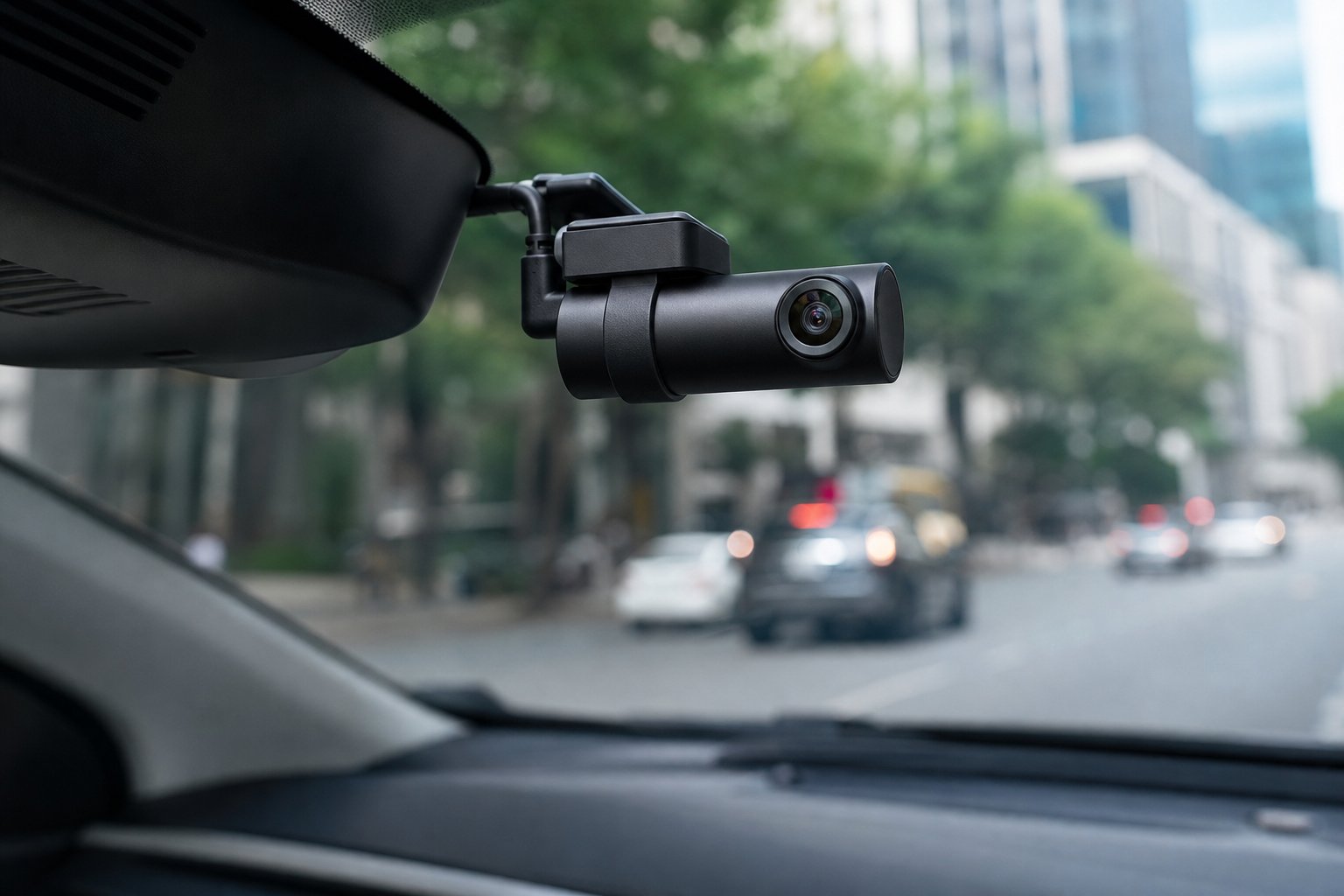
The DR590X-2CH records at Full HD 1080p resolution at 30 frames per second for both front and rear cameras, whilst the 1CH version can record at 60fps for smoother front footage.
The front camera uses a Sony STARVIS sensor for better low-light performance, with a viewing angle.
The system supports microSD cards from 32GB up to 512GB and uses an Adaptive Format Free File Management System to prevent card corruption.
You’ll find the DR590X easy to set up with its mounting bracket and power cable options.
The BlackVue app lets you view footage, adjust settings, and manage recordings directly from your smartphone on both Android and iOS devices.
Key Takeaways
- The BlackVue DR590X is available as a 1CH or 2CH dashcam with Full HD recording and WiFi connectivity.
- The front camera features a Sony STARVIS sensor for improved night vision and supports microSD cards up to 512GB
- You can control the dashcam via the BlackVue smartphone app and access parking mode to enhance security when your vehicle is parked.d
Product Overview and Specifications
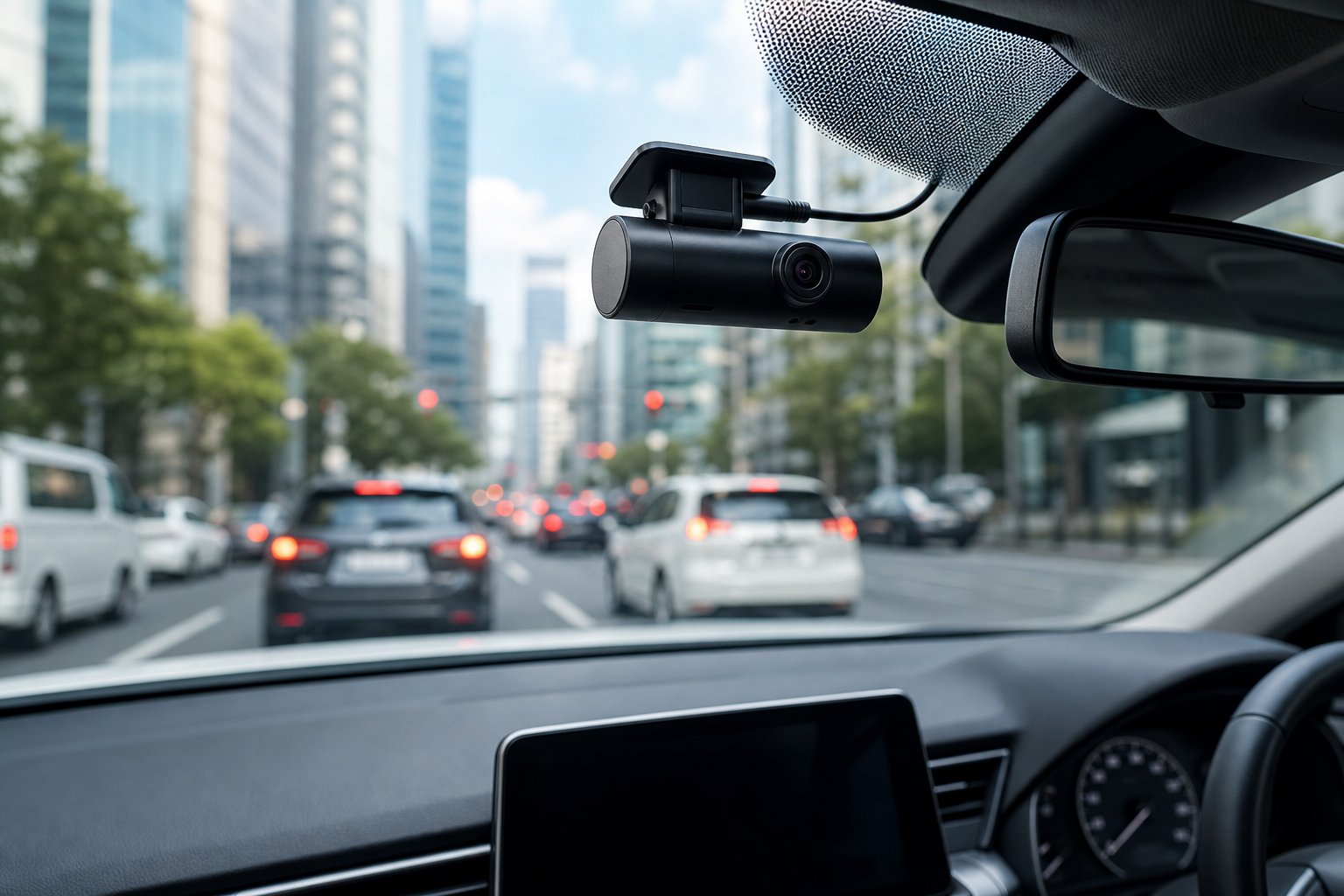
The BlackVue DR590X series offers Full HD dash cam recording with Sony STARVIS technology for improved low-light performance.
The series includes both single-channel (1CH) and dual-channel (2CH) models with different frame rates and features.
At a Glance
The DR590X-1CH records at Full HD 1080p with 60 frames per second from the front camera only.
This model uses Sony’s STARVIS image sensor for enhanced night vision capabilities.
The DR590X-2CH adds a rear camera to capture both front and rear views simultaneously.
Both cameras record at Full HD 1080p at 30 fps each to manage the dual-recording workload.
Both models feature a 139° diagonal viewing angle (107° horizontal, 55° vertical for the front camera).
The rear camera on the 2CH model provides 136.8° diagonal coverage.
Built-in WiFi. You can connect to your smartphone to view live video and adjust settings through the BlackVue app.
The front camera measures 111.8mm wide by 34mm tall and weighs 103.5g.
The rear camera on 2CH models is smaller, measuring 67.4mm x 25mm, and weighs just 25.4g.
In the Box
Your DR590X package includes the front dash camera with built-in WiFi and a WiFiPS mounting bracket.
You’ll receive a cigarette lighter power cable for basic installation.
The 2CH models included a rear camera and a connection cable.
BlackVue provides adhesive mounting pads for both cameras and cable clips to manage wiring.
A 32GB microSD card is typically included with most retailer packages, though this may vary by seller.
The box also contains a quick start guide and warranty information.
Optional accessories like hardwiring kits and external GPS modules are sold separately.
Product Specifications
Camera and Recording
| Specification | DR590X-1CH | DR590X-2CH |
|---|---|---|
| Front Resolution | Full HD 1080p @ 60fps | Full HD 1080p @ 30fps |
| Rear Resolution | N/A | Full HD 1080p @ 30fps |
| Front Sensor | Sony STARVIS (2.1MP) | Sony STARVIS (2.1MP) |
| Rear Sensor | N/A | CMOS (2MP) |
| Front Viewing Angle | 131° diagonal, 107° horizontal | 131° diagonal, 107° horizontal |
Storage and Connectivity
The DR590X supports microSD cards from 32GB up to 512GB.
The adaptive format-free file management system prevents corruption and extends card life.
Built-in WiFi (WiFi11 b/g/n) connects to the BlackVue app on Android 5.0+ or iOS 9.0+ devices.
Power and Operating Conditions
The dash camera operates on 12V-24V DC power through the included cigarette lighter adapter or optional hardwiring kit.
Power consumption varies by model: the 1CH uses 200 mA/hour in normal mode (WiFi or WiFiGPS on), whilst the 2CH consumes 330 mA/hour under the same conditions.
Operating temperature range spans -20°C to 70°C.
The camera includes an automatic high-temperature cut-off at approximately 70°C to protect internal components.
A built-in super capacitor provides backup power for safe file saving.
Comparing DR590X Models
The main difference between the 1CH and 2CH models is rear camera coverage.
The 1CH records only the front view at 60fps, making it suitable if you primarily need forward-facing evidence.
The higher frame rate captures smoother video for fast-moving scenarios.
The 2CH model splits processing between the front and rear cameras, reducing each to 30 fps.
This trade-off gives you complete coverage around your vehicle.
The 2CH costs more but provides better protection against incidents such as rear-end collisions or car park damage.
Both models share the same Sony STARVIS front sensor for enhanced night vision.
The 1CH offers an “Extreme” quality setting that the 2CH lacks due to the processing demands of dual recording.
If you don’t need rear coverage and want maximum front camera quality, the 1CH suits your needs.
Choose the 2CH for comprehensive protection front and rear.
Key Features and Functionality
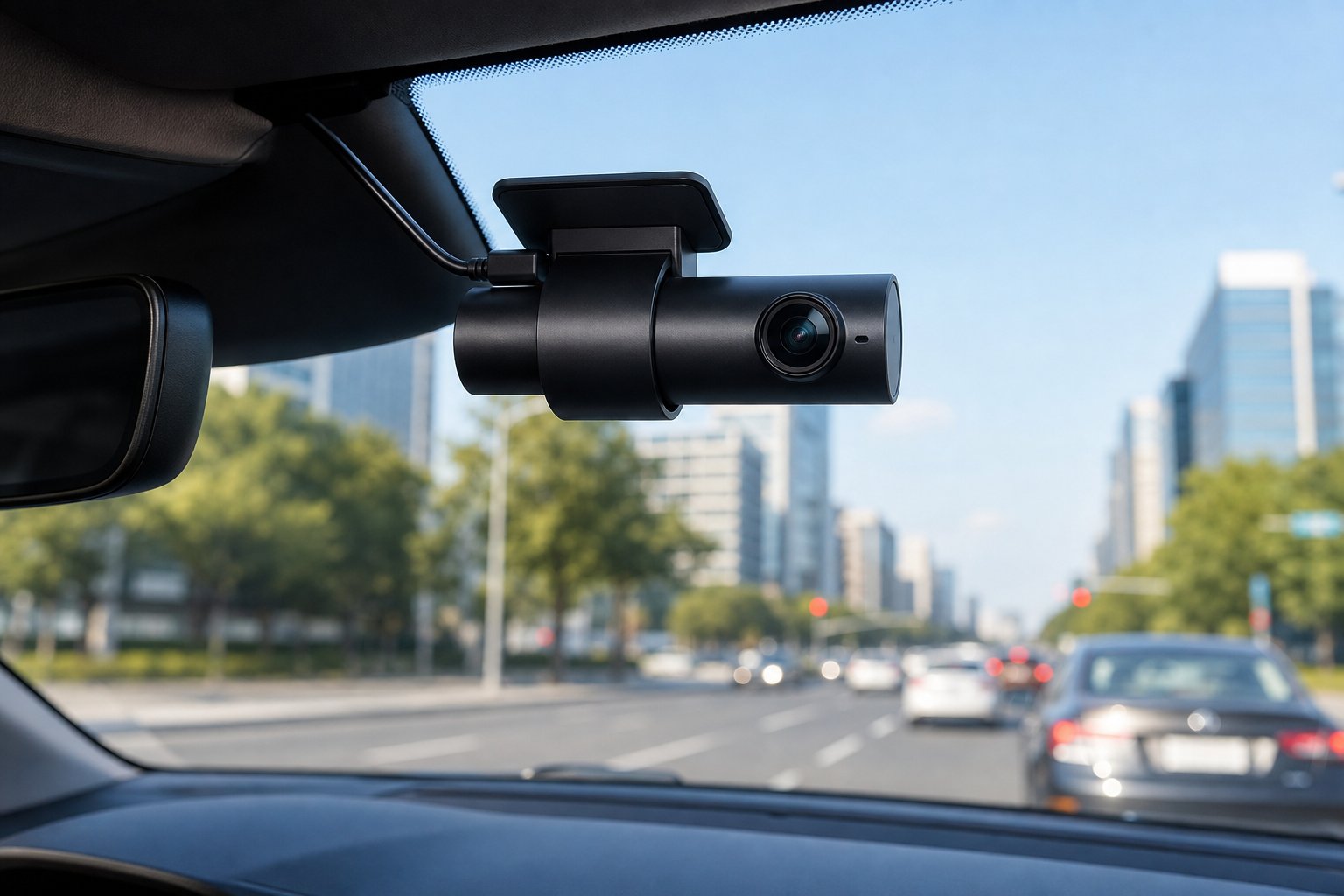
The BlackVue DR590X offers Full HD 1080p recording at 30 frames per second with a 139-degree viewing angle and is powered by Sony’s STARVIS image sensor for superior low-light performance.
The dash cam includes WiFi, intelligent parking mode, and optional GPS functionality for comprehensive vehicle monitoring.
Video Recording Modes
The DR590X records continuously in Full HD 1080p resolution at 30 frames per second, capturing clear footage from both front and rear cameras on dual-channel models.
Loop recording automatically overwrites the oldest files when your memory card fills up, ensuring uninterrupted recording.
Event recording activates when the 3-axis acceleration sensor detects sudden impacts or movements.
These protected files are saved separately to prevent deletion during loop recording.
You can manually trigger event recording by pressing the cam’s button when the cam detects something noteworthy on the road.
The dash cam records at different quality settings depending on your needs.
Higher bitrates produce better image quality but use more storage space on your memory card.
Night Vision and Image Quality
The Sony STARVIS image sensor provides enhanced night-vision capabilities for low-light recording.
This technology significantly improves visibility when driving at night or in poorly lit car parks.
The 139-degree viewing angle captures multiple lanes of traffic and roadside details.
Image quality remains sharp in both bright daylight and dark conditions thanks to the STARVIS sensor’s light sensitivity.
Front and rear cameras on the 2CH models both record in Full HD 1080p at 30 frames per second.
This frame rate delivers smooth video playback and captures important details like number plates and road signs.
Parking Mode and Security
Intelligent parking mode monitors your vehicle when parked, and the engine is off.
The dash cam uses impact detection through the 3-axis acceleration sensor to automatically record when someone hits your parked car.
Motion detection can also trigger recording if movement is detected near your vehicle.
These features require a constant power connection via a hardwiring kit or an optional parking-mode battery.
LED indicators and voice guidance notify you of the dash cam’s status.
The voice announcements confirm when recording starts, when parking mode activates, and when errors occur.
GPS and Connectivity Options
The DR590X doesn’t include built-in GPS as standard.
You can purchase an optional external GPS antenna to add location data and speed information to your recordings.
The GPS receiver tracks your route and embeds GPS data into each video file.
WiFi connectivity lets you connect to the BlackVue app on your smartphone or tablet.
You can view live footage, download videos, and adjust settings without removing the memory card.
The optional Cloud connectivity module enables access to BlackVue Cloud services.
Cloud Lite service provides remote viewing and notifications, though this requires a separate data plan and hardware installation.
Installation and Setup Process
The DR590X installation involves mounting cameras to your windscreen, routing cables, and connecting to a power source.
You’ll need to position the cameras correctly and choose between a cigarette lighter and hardwiring for power.
Mounting and Positioning
Turn off your engine before starting installation. Install the front camera behind your rear-view mirror where it won’t obstruct your field of vision.
The rear camera is at the top of your back windscreen.
Clean and dry both windscreen areas thoroughly before mounting. Remove any dirt or debris that could affect adhesion.
Peel the protective film from the double-sided tape on the front camera and attach it firmly to the windscreen.
Adjust the front camera lens angle by rotating the camera body. Point the lens slightly downwards, approximately 10 degrees below horizontal.
This creates a 6:4 road-to-background ratio in your recordings.
For the rear camera, peel the protective film from its double-sided tape and attach it to the rear windscreen. Rotate the camera body to adjust the lens angle appropriately.
Important: You must remove the protective film from both cameras after installation. The cameras can overheat and suffer damage if you leave the film on.
Hardwiring and Power Supply
You have two power options: the cigarette lighter cable or the hardwiring power cable. The cigarette lighter option is simpler but limits parking mode functionality.
Hardwiring provides continuous power for parking mode recording when your engine is off.
For cigarette lighter installation, plug the power cable into your socket and connect it to the front camera. Use the pry tool to tuck the power cord under your windscreen trim and moulding.
The dashcam powers on when you start your engine and stops recording when you turn it off.
For hardwiring, locate your vehicle’s fuse box (consult your owner’s manual for its location). Find two fuses: one that powers on with the engine (like your cigarette lighter socket) and one that stays powered after engine shutdown (shuts down the lights).
Connect the ACC+ cable to the engine-start fuse and the BATT+ cable to the always-on fuse.
Attach the GND cable to a metal ground bolt. Connect the power cable to the DC input terminal on your front camera.
The hardwiring system includes low-voltage cut-off protection to prevent battery drain.
Installing Optional Accessories
Connect the rear camera to the front camera using the rear camera connection cable. Plug the cable into the ‘Rear’ port on the front camera and the ‘V out’ port on the rear camera.
Use the pry tool to tuck the cable under your window sealing and moulding for a clean installation.
If you have a GPS receiver or connectivity module, plug it into the front camera and attach it to a corner of your windscreen.
Tuck the cable neatly using the pry tool.
Insert your microSD card before powering on the system. Open the microSD card slot cover and gently push the card until it locks into place, then close the cover.
Safety and Handling Information
Never install the dashcam where it obstructs your view whilst driving. The front camera must be positioned behind your rear-view mirror so it doesn’t interfere with your sightlines.
The system can store up to 50 event recordings (impact and manual) that lock automatically to prevent overwriting.
You can change this setting through the BlackVue app or viewer software. Formatting your microSD card deletes all recordings, including locked event files.
When you first run the dashcam, the firmware loads automatically onto your microSD card. After this initial setup, you can customise settings using BlackVue Viewer on your computer.
The recording LED illuminates whilst recording (default setting), and the GPS LED shows when a GPS signal is received.
Your dashcam operates in four modes: Normal, Event, Parking, and Manual.
Software, Apps, and Video Management
The DR590X connects to your smartphone and computer through dedicated software that lets you view footage, adjust settings, and manage recordings.
The BlackVue App works with mobile devices, whilst the BlackVue Viewer handles computer-based file management.
Using the BlackVue App
The BlackVue App is available for free download on both Android and iOS devices. You need Android 5.0 or iOS 9.0 or later to run the app on your smartphone.
The app connects to your DR590X through WiFi. WiFill need to enter the password “blackvue” for initial setup, though some models include a unique password on the device label.
Once connected, you can access Live View to check your camera angles and positioning in real time.
Through the app, you can download videos directly to your smartphone. This is useful if you need immediate access to footage after an incident.
The app also lets you view recordings without removing the memory card from your dash cam.
You can change camera settings from your phone whilst connected. This includes adjusting video quality, parking mode options, and recording preferences.
BlackVue Viewer for PC and Mac
BlackVue Viewer is the desktop software for managing your dash cam footage on Windows or macOS. The software works with Windows 7 and later versions, as well as recent macOS releases.
You can download the viewer from BlackVue’s website at no cost. The programme plays your recordings and displays GPS data, speed information, and G-force readings alongside the video.
This data appears as overlays on the footage.
The viewer lets you browse through files by date and time. You can export specific clips or save entire recordings to your computer.
The software supports both front and rear camera footage if you have the two-channel model.
Managing Videos and File Formats
Your DR590X saves recordings in MP4 format, which works with most video players. The files are stored on your memory card in organised folders based on recording type.
Normal recordings go into one folder, whilst event recordings triggered by impacts are saved separately. Parking mode footage also gets its own folder.
This structure makes it easier to find specific clips when you need them.
You should regularly back up important footage to your computer or cloud storage. The dash cam overwrites old files when the memory card fills up, so critical recordings can be lost if not saved elsewhere.
Changing Settings and Firmware Upgrades
You can adjust your DR590X settings either through the BlackVue App or by connecting to the camera’s WiFi fWiFia computer. Common settings include video resolution, microphone on/off, and parking mode sensitivity.
Firmware updates improve your camera’s performance and add new features.
BlackVue releases firmware upgrades periodically through its website. You’ll need to download the firmware file to your memory card, then insert it into your dash cam to complete the upgrade.
The camera will restart automatically after installing new firmware. Check BlackVue’s support pages regularly to ensure you’re running the latest version for optimal performance.
MicroSD Card Use and Recording Performance
The DR590X requires a properly functioning microSD card to capture and store your footage.
Understanding card compatibility, maintenance requirements, and performance optimisation helps ensure continuous, reliable recording.
Supported Cards and Recording Time
The DR590X supports microSD cards with capacities ranging from 64GB to 1 TB. Your dashcam requires a minimum Class 10 or U1 speed rating to handle the video recording demands.
BlackVue recommends using their own-brand cards to ensure consistent performance, as cards with identical specifications can vary across manufacturers and production batches.
Recording time depends on your card capacity and quality settings. Higher resolution settings consume more storage space per hour of footage.
The dashcam uses loop recording, which automatically overwrites the oldest files when the card reaches capacity. This means you’ll have continuous recording without needing to delete files manually.
Your card must be formatted in FAT32 (Windows) or MS-DOS FAT (macOS) format to work with the DR590X.
Using cards from other manufacturers may work, but BlackVue cannot guarantee their performance across different production batches.
Formatting and Maintenance
Regular formatting keeps your microSD card working properly and prevents recording errors. You should format your card every 2-4 weeks through the BlackVue app or computer software.
This process clears corrupted files and maintains optimal write speeds.
To remove your microSD card, gently push it inwards until it clicks and releases. Insert the card by pushing it into the slot until you hear a click.
Always power off the dashcam before removing the card to avoid data corruption.
Keep the camera lens and card slot clean from dust and debris. A faulty or damaged microSD card directly affects recording quality and reliability.
If you see repeated “Check SD card” messages, your card may need formatting or replacement.
Tips for Optimal Performance
Check your firmware regularly and upgrade when new versions become available. Updated firmware often includes improvements for storage management and recording stability.
Access firmware updates through the BlackVue app or official website.
Use a dedicated SD card reader when transferring files to your computer. This speeds up file transfers and reduces wear on the dashcam’s internal card slot.
Avoid removing the card frequently unless necessary for file transfers or formatting.
Monitor your available storage space through the BlackVue app. Adjust your video quality settings if you need longer recording times before loop recording overwrites footage.
Clean the camera lens regularly, as this affects the final video quality regardless of your card’s performance.
Accessories, Support, and Additional Resources
The DR590X works with several official BlackVue accessories to expand its capabilities, and you can find genuine parts through authorised retailers. BlackVue provides manuals and support resources to help you maintain your dash cam and resolve any issues.
Power and Connectivity Accessories
BlackVue offers optional accessories designed specifically for the DR590X series. The most notable is the parking mode battery, which allows your dash cam to record while your vehicle is parked without draining your car’s battery.
You can also use a hardwired connection to connect your dash cam directly to your vehicle’s fuse box. This setup enables parking mode features and provides continuous power.
The GPS antenna is another accessory worth considering. It adds location data and speed information, which can be valuable for insurance claims or tracking your journeys.
When shopping for accessories, only buy genuine BlackVue parts. Third-party alternatives may not work properly with your DR590X and could void your warranty.
Where to Buy and Aftercare
You can shop for DR590X accessories through the BlackVtheK website or through authorised retailers such as Activ.
These retailers stock genuine parts, including power cables, mounting brackets, and replacement components.
BlackVue UK is a distributor and offers trade accounts for businesses. They dispatch orders Monday to Friday, with delivery available throughout the UK, Europe, and worldwide.
The company maintains an outlet store where you can sometimes find discounted accessories. If your dash cam needs repairs, BlackVue UK handles warranty claims and provides repair services for UK customers.
Always verify that your retailer is authorised to sell genuine BlackVue products. This ensures you receive proper support and authentic parts.
Troubleshooting and Contact Information
The BlackVue manual for the DR590X series is available online through the official BlackVue Product Manuals website and ManualsLib.
You’ll find instructions for installation, settings, firmware upgrades, and formatting your micro SD card.
The manual includes sections on playing videos using your computer or smartphone, and recording time specifications.
It also provides tips for optimal performance.
You can view these resources without downloading any files.
For technical support, contact BlackVue UK through their official website.
They provide FAQs, quick start guides, and FCC compliance information for the DR590X-2CH model.
If you experience issues, check the manual’s troubleshooting section first.
Common problems often involve SD card formatting or firmware updates, which you can resolve yourself by following the provided instructions.


About author
Related posts

A GPS location alone doesn’t mean a tracker meets a Thatcham security standard. For motorhome tracker installation in the UK, the key difference is... Continue reading

Thatcham approval identifies vehicle security systems tested against recognised criteria, and S5 is the highest level of stolen-vehicle tracking... Continue reading

Insurance-approved tracker installation in the UK comes down to fitting the category your insurer requires: S5 or S7. Thatcham Research replaced the... Continue reading

A tracker’s installation method matters as much as its tracking features. Fleet vehicle tracker installation in the UK depends on the device: some... Continue reading

A GPS tracker can calculate its position without mobile signal, but it needs a way to transmit that location if you want to see it... Continue reading